Experiment Engine · 0:51
Content tests: change text on a page
Set up a page content test: choose the pages, change text with an element selector, and compare it with the original.

Screens that show results use demo store data, labeled in the video.
Chapters
Read the guide
Transcript
0:03 Choose the pages
Choose where the change appears: all product pages, all collection pages, the home page, or specific pages.
0:12 Make the change
On Versions, each change is a text change, a link or image change, or show or hide. You identify the element with a CSS selector, such as product title.
0:24 Compare with the original
The Original stays unchanged, and traffic is split between the two. Changes apply when the element appears, and the page can be hidden for up to three hundred milliseconds while a version loads.
0:37 Read the result
This content test shows Version B as a likely winner on conversion rate. In this video these numbers are demo store data.
More video tutorials
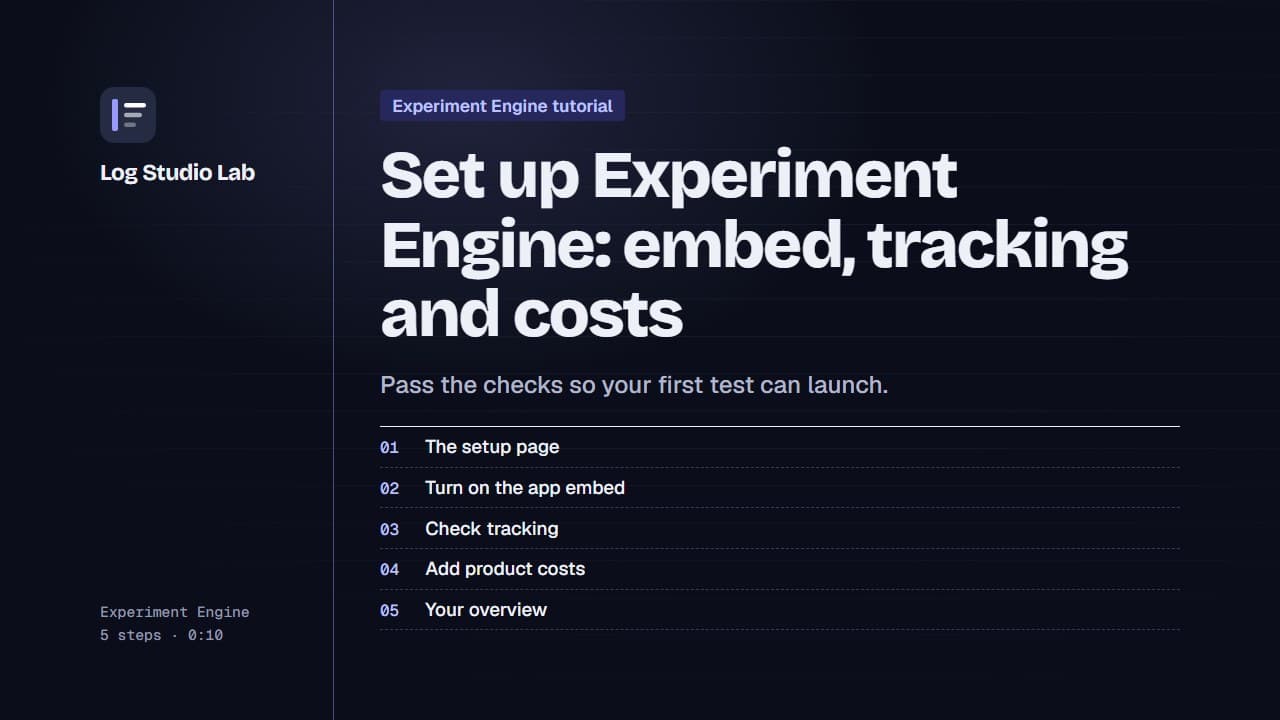
Set up Experiment Engine: embed, tracking and costs
Walk through the Experiment Engine setup page: turn on the app embed, check tracking, add product costs and find your overview.
0:58
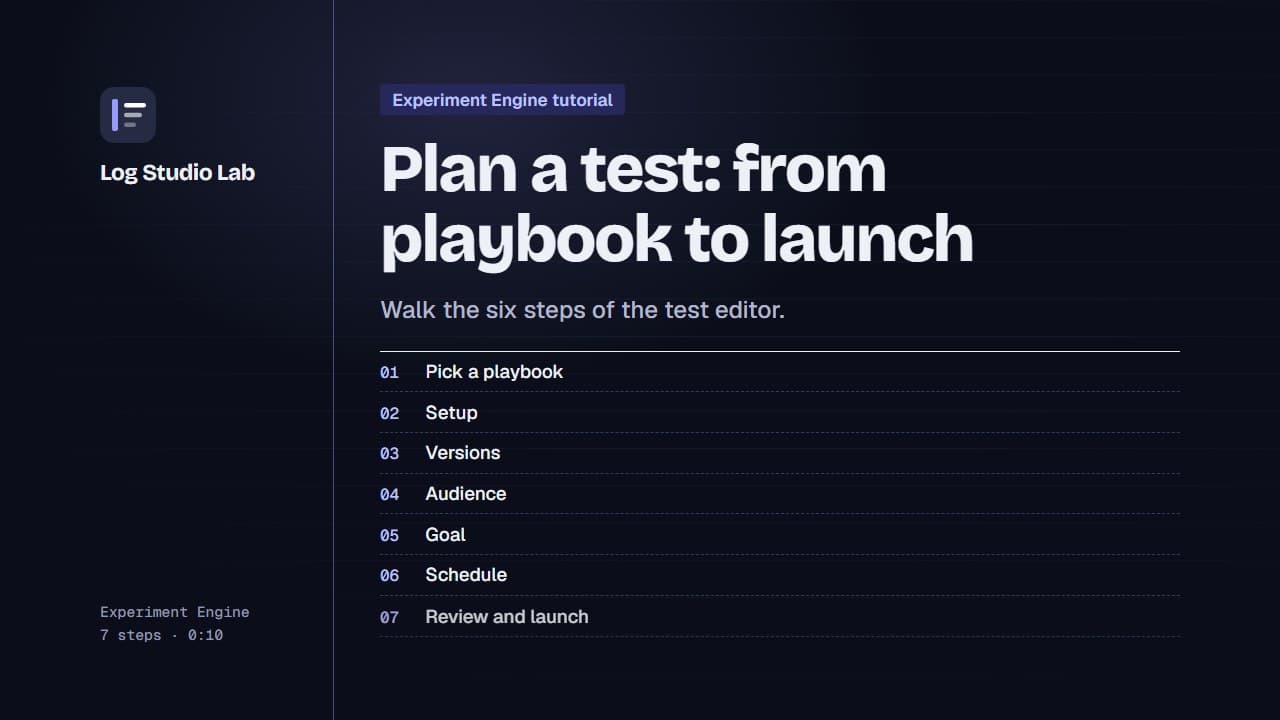
Plan a test: from playbook to launch
Pick a playbook, then walk the six steps of the test editor: setup, versions, audience, goal, schedule and review.
1:10
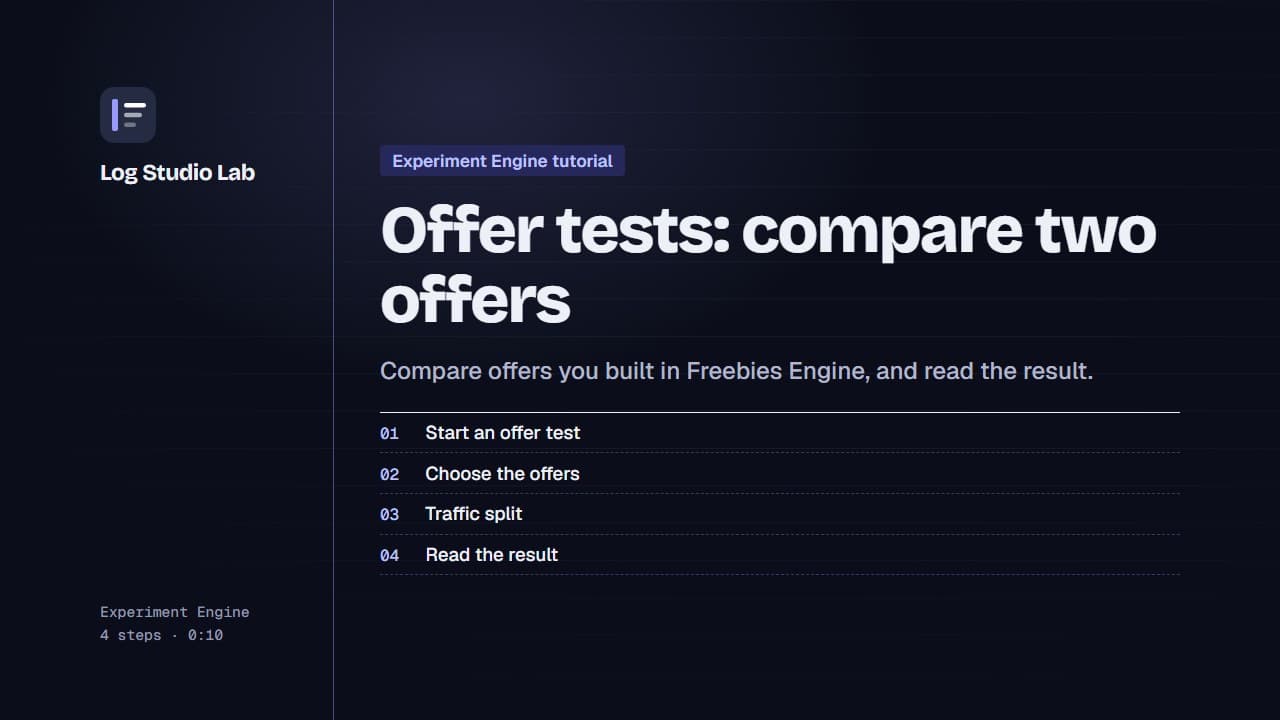
Offer tests: compare two offers
Set up an offer test to compare offers from Freebies Engine, or one offer against none, then read the result. Results shown with demo store data.
0:55