Video tutorials
Short walkthroughs of every feature, from the first offer to reading test results. Each video has chapters and a full transcript, and links to the matching written guide.
Freebies Engine
Offers of every type, gifts, bundles, upsells, discounts and codes, the margin check and analytics.
Install Freebies Engine and finish the setup guide
After installing Freebies Engine, the setup guide lists four required steps. See them, turn on the app embed and finish the optional ones.
0:55
Your offers list: types, status and revenue
Open Offers to see every offer with its type, status and revenue, pause or resume with the switch, and find offers with tabs and filters.
0:48
Free gift offers: spend and get a gift
Create a free gift offer: name it, set the cart value trigger, choose the gift, review and publish, then see the gift picker on the storefront.
1:11
Gift tiers and the gift picker
Create a gift campaign with spend tiers, choose a gift for each tier, publish, and see the gift picker and the appearance settings.
1:10
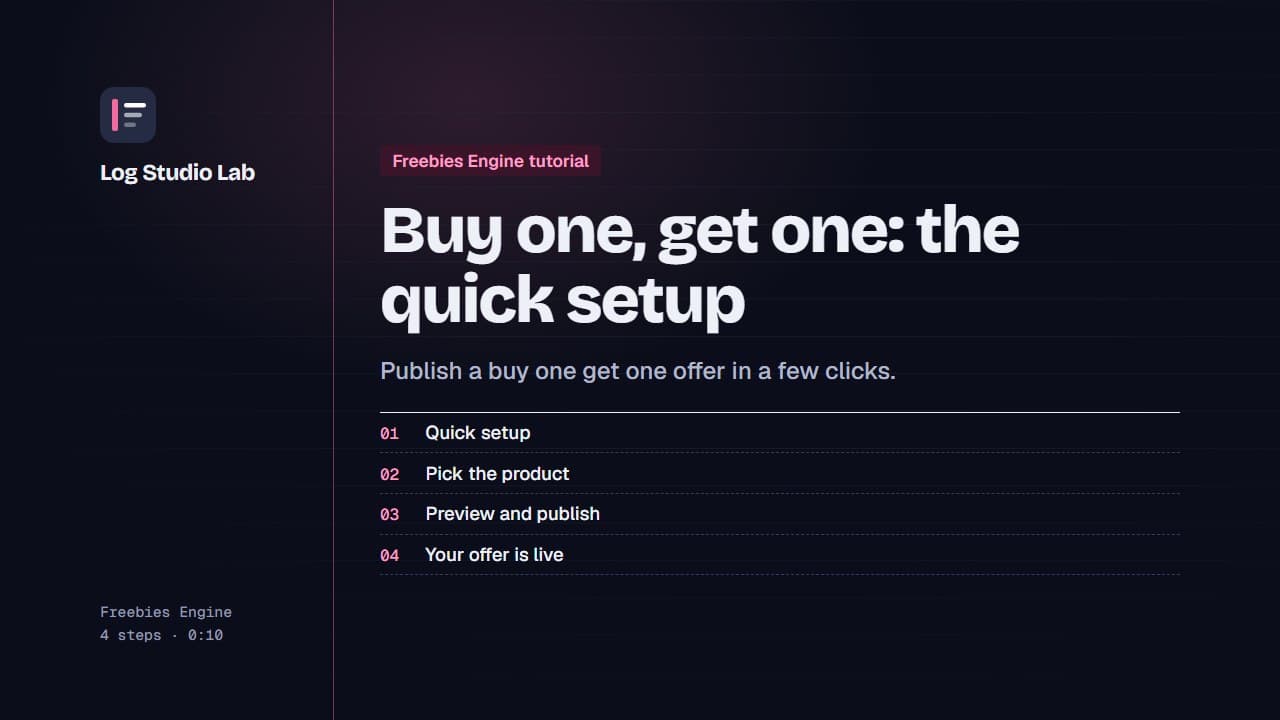
Buy one, get one: the quick setup
Use the quick setup to choose a product, check the live preview and publish a buy one, get one free offer.
0:57
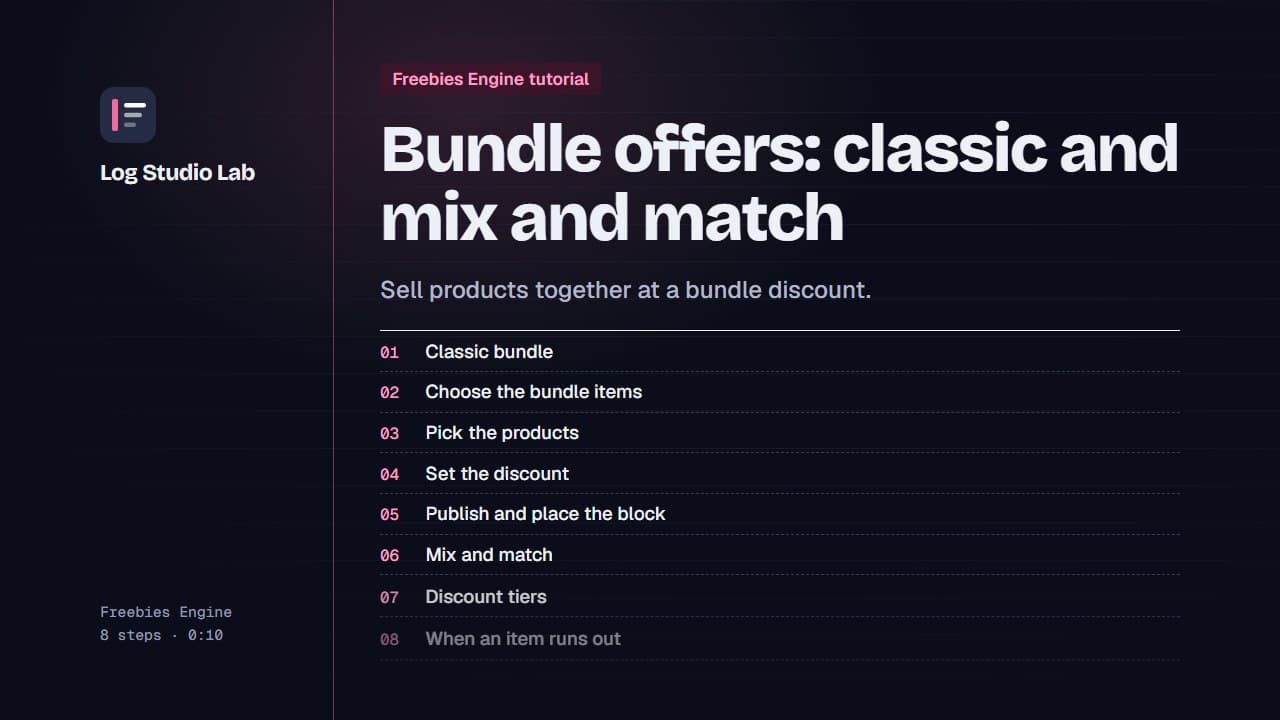
Bundle offers: classic and mix and match
Create a classic bundle and a mix and match bundle with discount tiers, add the theme block, and let the app pause a bundle that runs out.
1:23
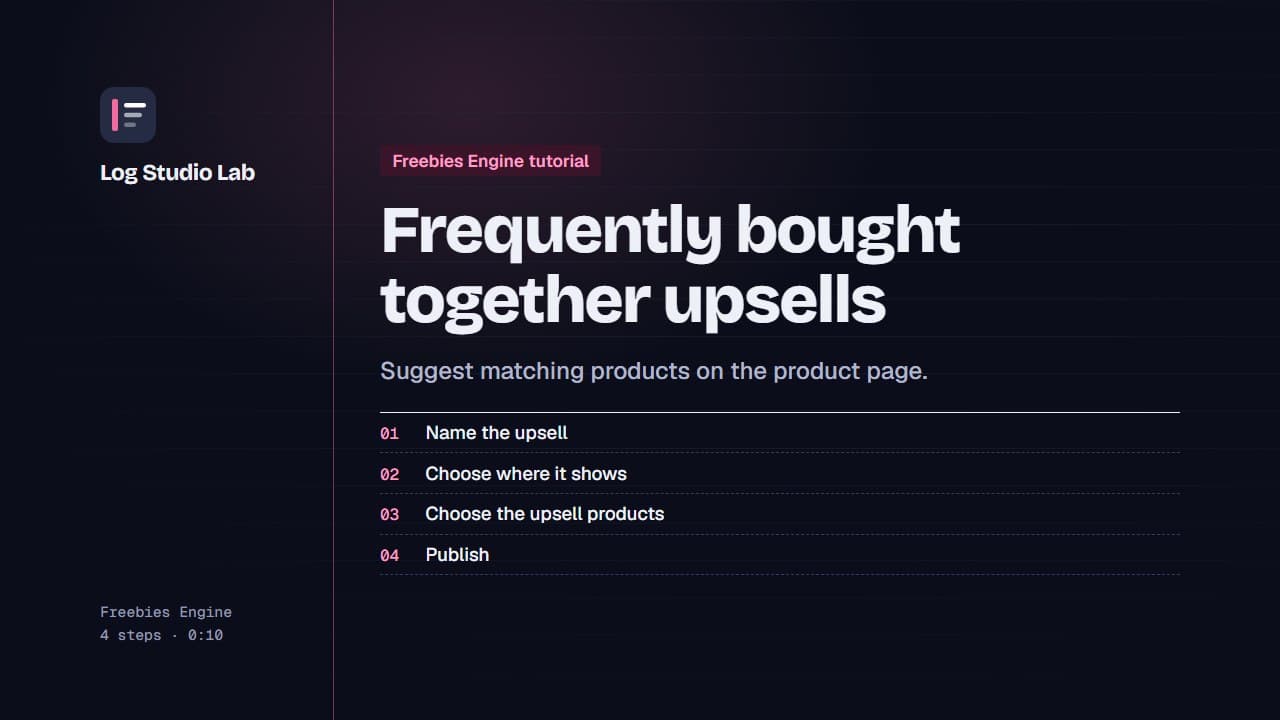
Frequently bought together upsells
Create a frequently bought together upsell: choose where it shows, pick the upsell products and the widget style, then publish.
0:55
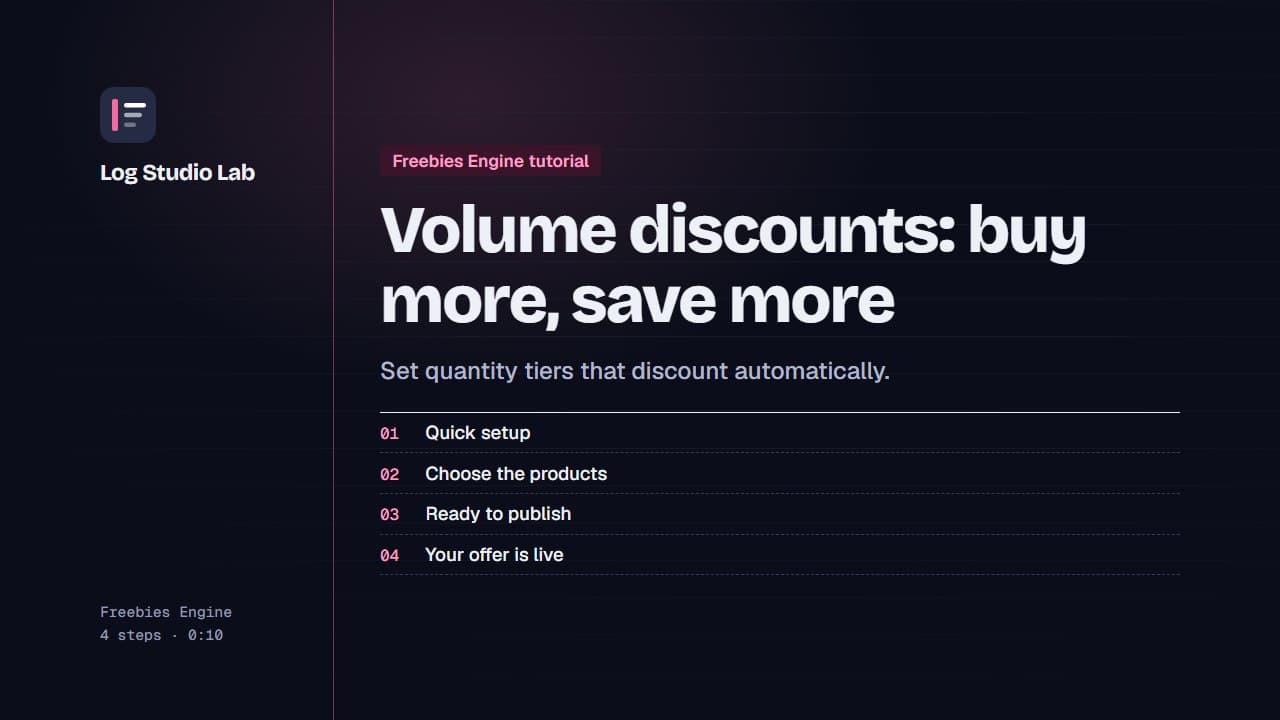
Volume discounts: buy more, save more
Use the quick setup to create a two tier volume discount, choose the products, check the preview and publish.
0:55
Discount codes
Create a discount code offer: name it, set the code, limit its use and dates, and manage your codes from the Codes step.
0:50
Free shipping offers with tiers
Create a free shipping offer: name it, set a tier with a minimum order, choose what it applies to, review and publish.
0:51
Boosters and storefront appearance
Boosters point shoppers at your offers with a progress bar or a Today's offers launcher. Appearance sets colors and text for every widget.
0:47
Read your Freebies Engine analytics
Read the analytics overview, the per offer table with a CSV export, and one offer's funnel from view to order. Shown with demo store data.
0:55
Mini apps
Bundle Builder, AI Chat, Urgency Bar, Sales Pop, Sticky Add to Cart and Quantity Breaks.
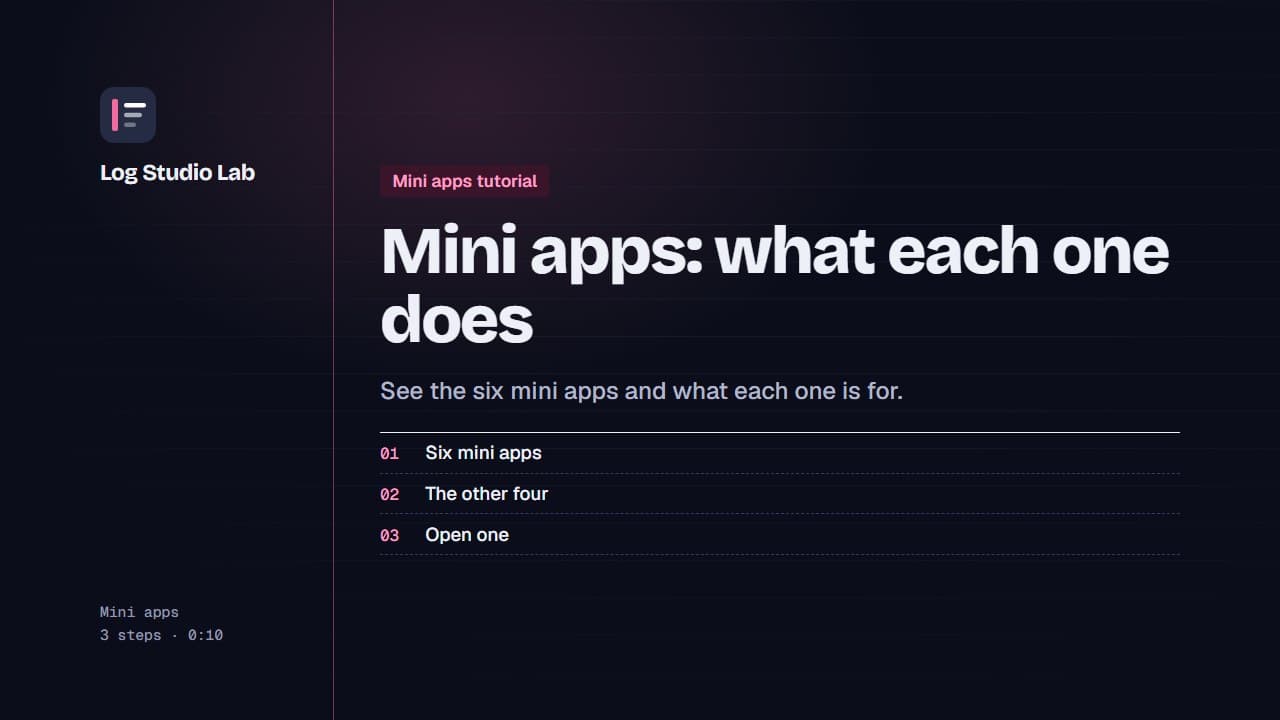
Mini apps: what each one does
A tour of the six mini apps: Bundle Builder, Quantity Breaks, AI Chat, Urgency Bar, Sticky Add to Cart and Sales Pop.
0:48
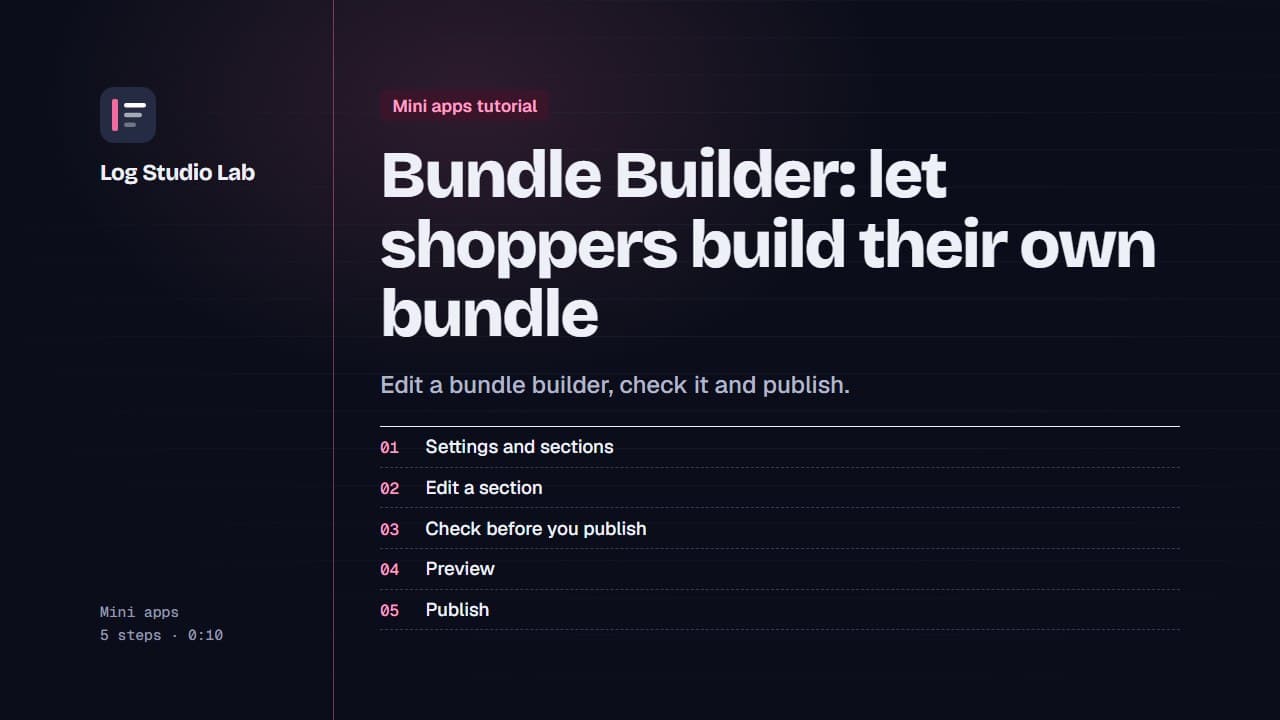
Bundle Builder: let shoppers build their own bundle
Walk through the Bundle Builder editor: settings and sections, the readiness checklist, the live preview, and publishing.
1:09
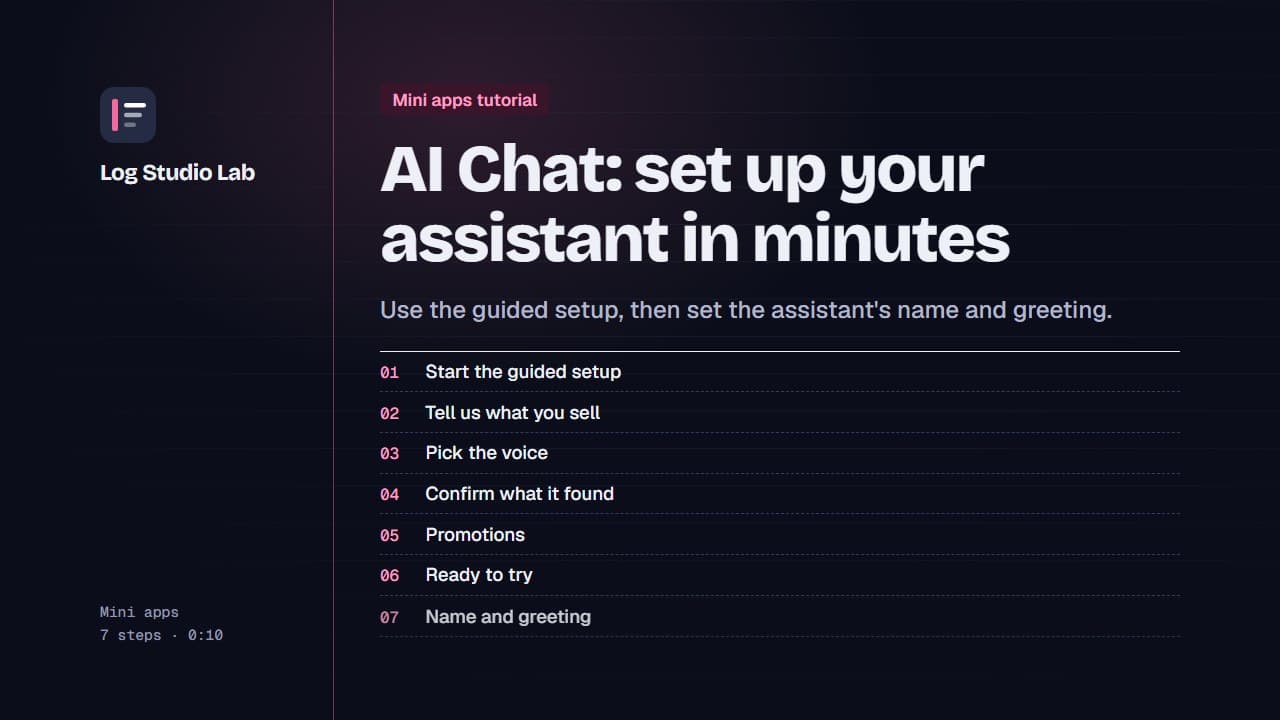
AI Chat: set up your assistant in minutes
Start the AI Chat guided setup, answer short questions about your store, voice, returns and promotions, then set the name and greeting.
1:19
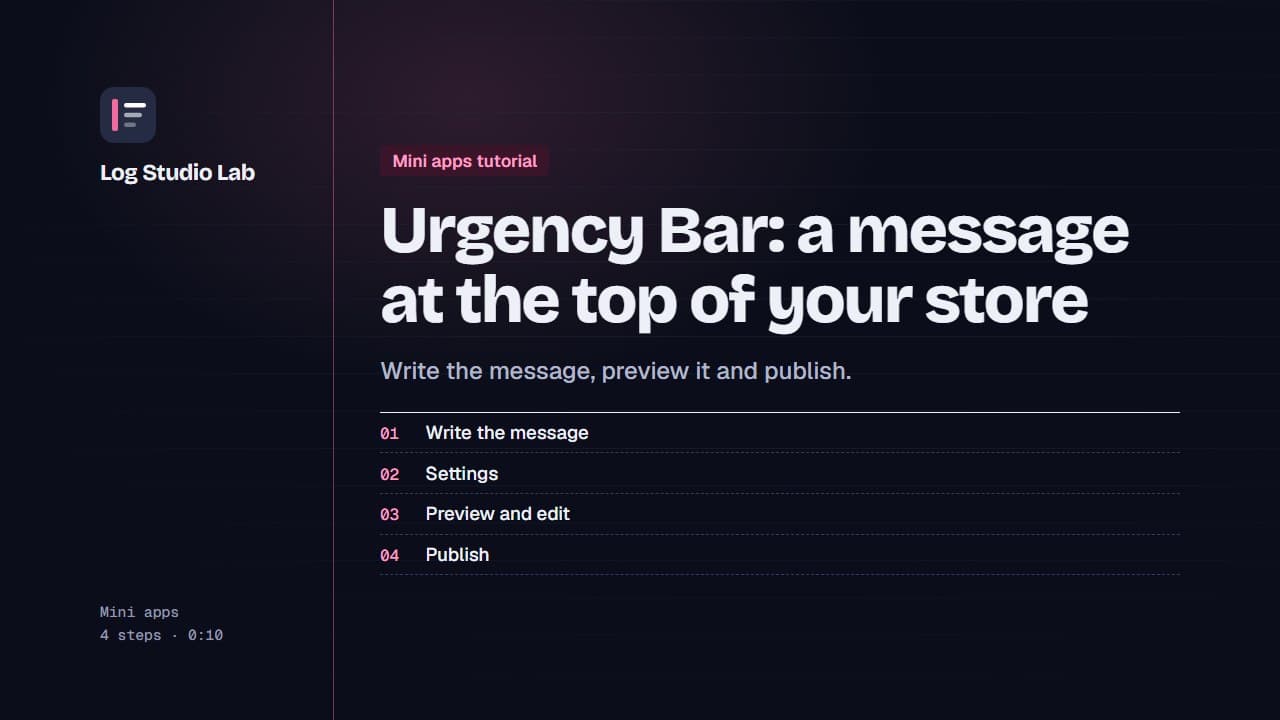
Urgency Bar: a message at the top of your store
Create an Urgency Bar announcement, check the preview at the top of the page, edit the message and publish it.
0:52
Sales Pop: show real recent purchases
Set up Sales Pop: choose what the card says, how it reads and what goes in it, check the privacy note and publish.
0:52
Sticky Add to Cart: keep the button in view
Set up Sticky Add to Cart: write the button words, check the mobile preview with its sold out and choose options states, and publish.
0:52
Quantity Breaks: buy more, save more
Create Quantity Breaks tiers: start from a preset, choose how the discount works, preview the product page and publish.
0:49
Experiment Engine
Every test type, reading results, shipping a winner and testing your mini apps.
Set up Experiment Engine: embed, tracking and costs
Walk through the Experiment Engine setup page: turn on the app embed, check tracking, add product costs and find your overview.
0:58
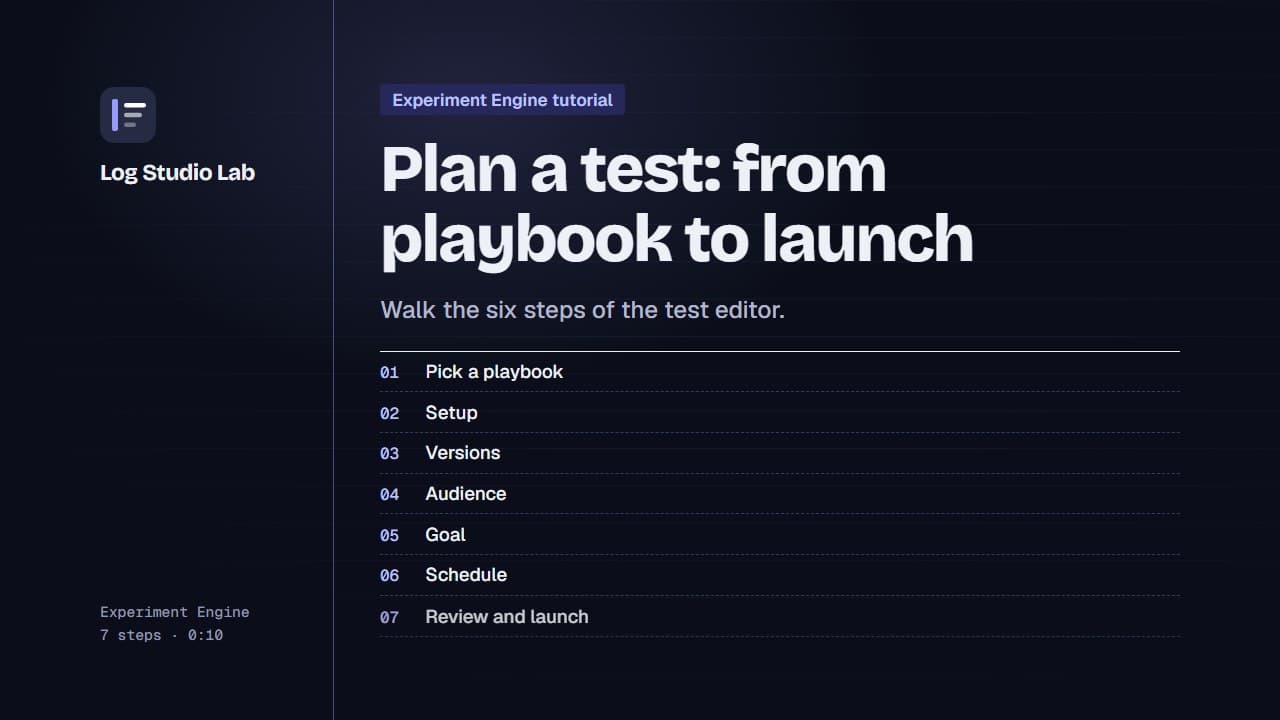
Plan a test: from playbook to launch
Pick a playbook, then walk the six steps of the test editor: setup, versions, audience, goal, schedule and review.
1:10
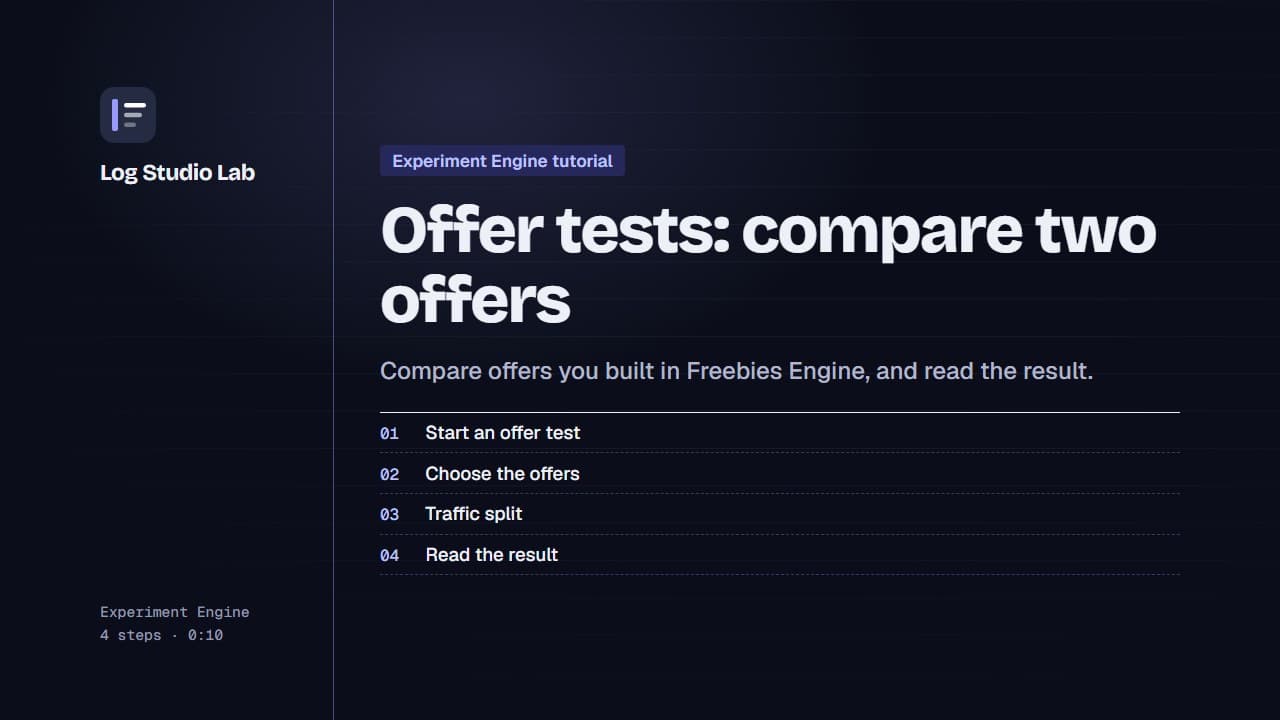
Offer tests: compare two offers
Set up an offer test to compare offers from Freebies Engine, or one offer against none, then read the result. Results shown with demo store data.
0:55
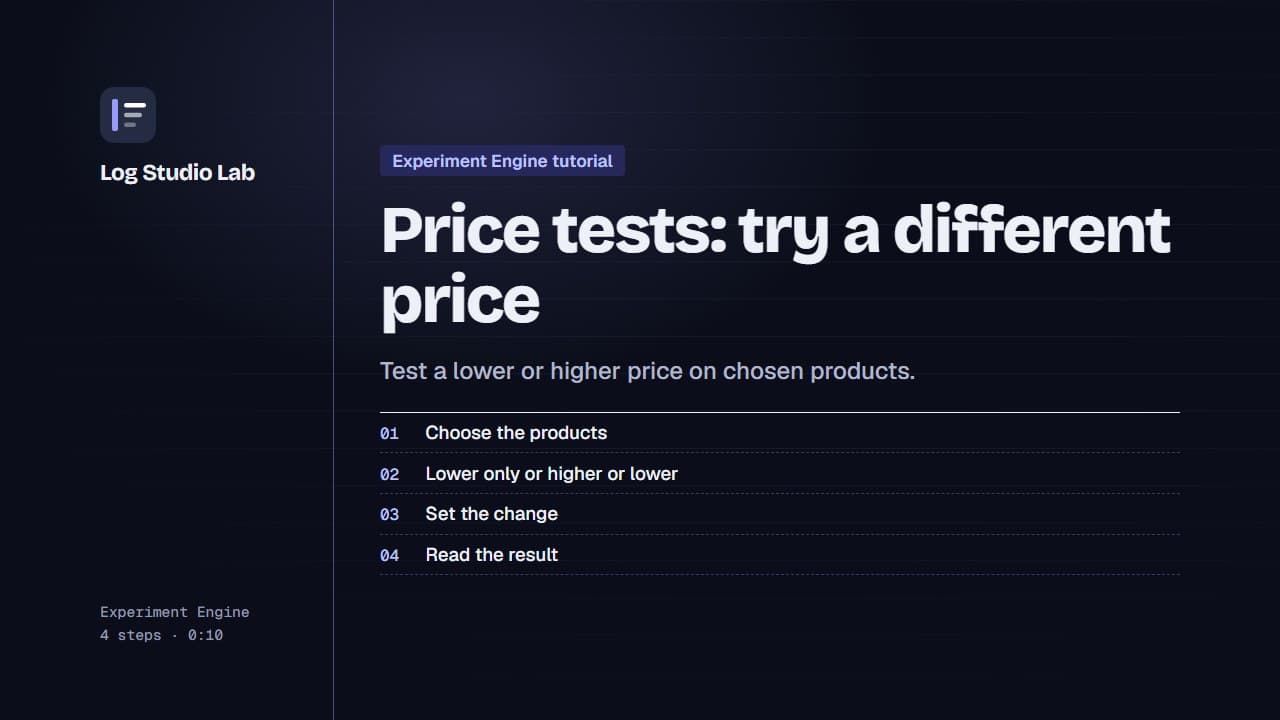
Price tests: try a different price
Set up a price test: pick products or collections, choose whether prices can only go lower, set the change, and read the result with demo data.
0:51
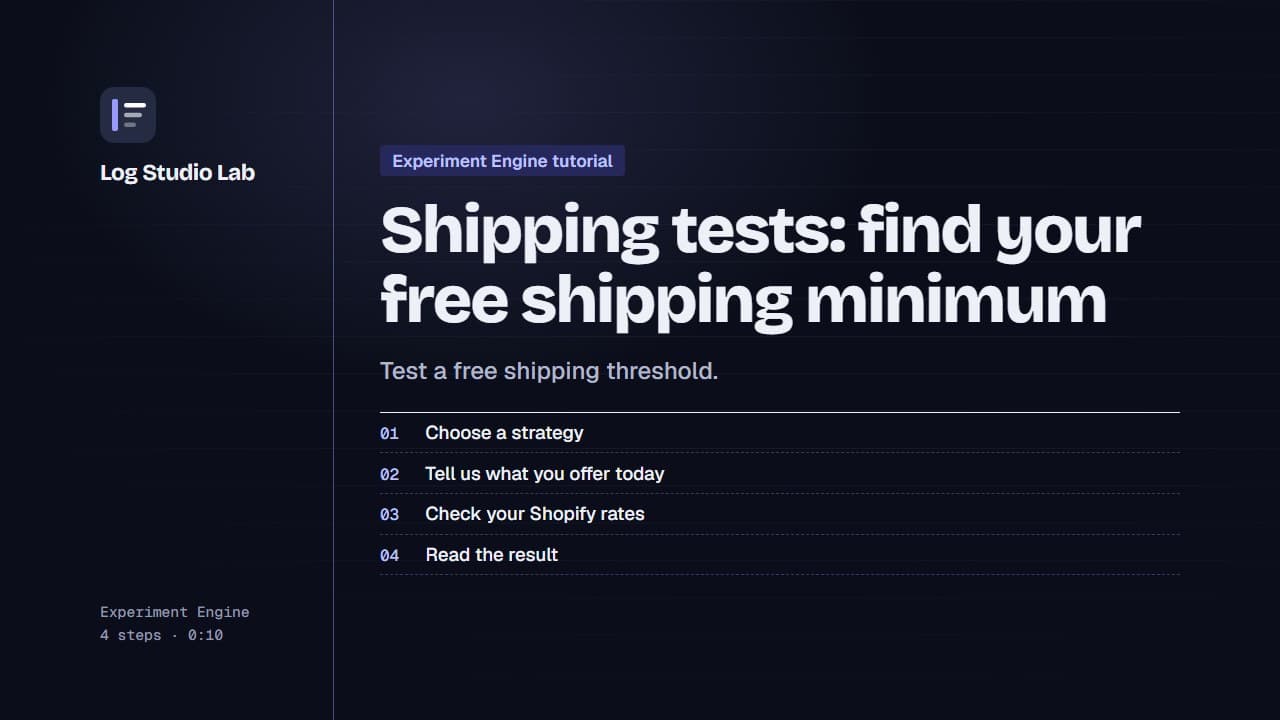
Shipping tests: find your free shipping minimum
Set up a shipping test: choose the free shipping minimum strategy, confirm your Shopify rates, set a minimum per version, and read the result.
0:58
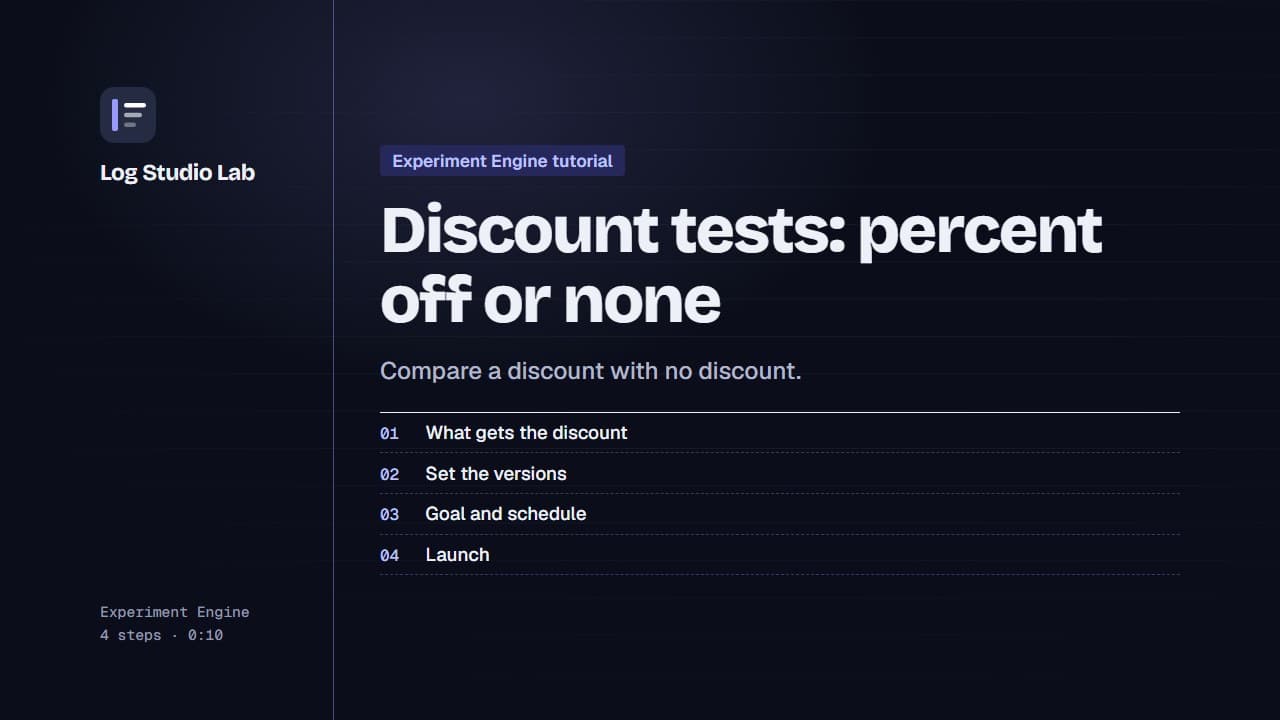
Discount tests: percent off or none
Set up a discount test: choose what gets the discount, set the percent, decide how it combines with other discounts, and launch.
0:55
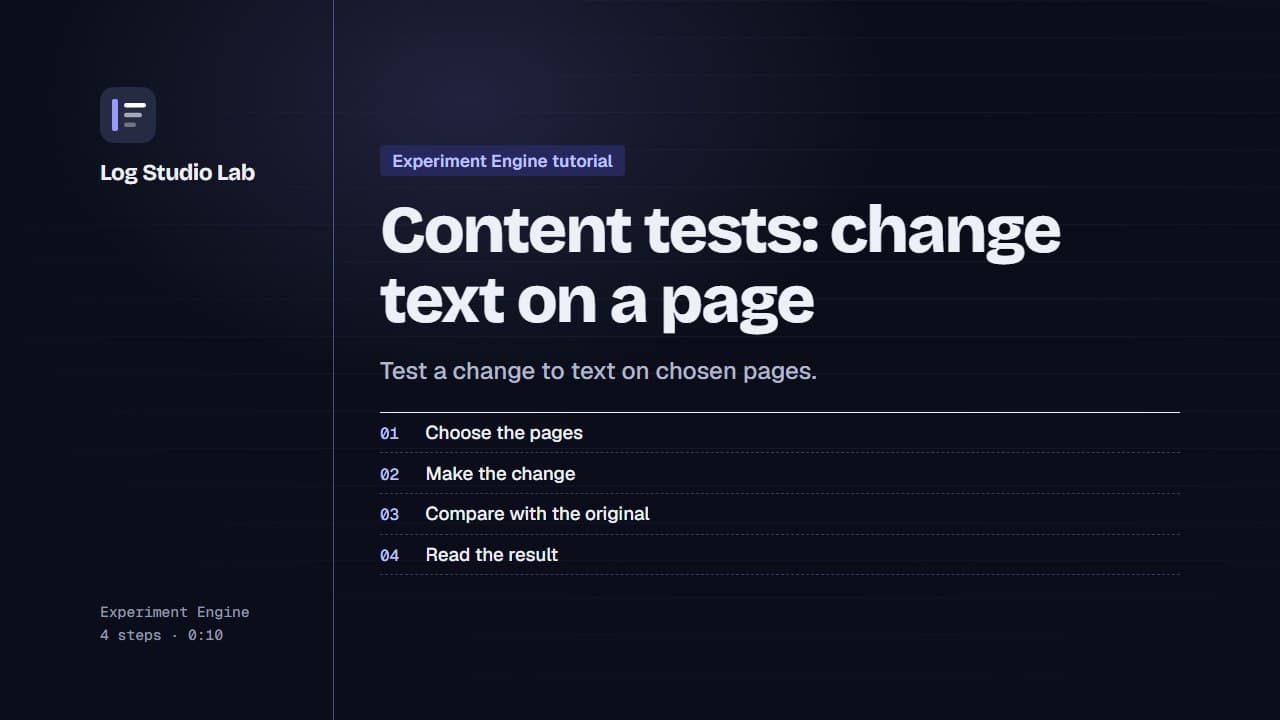
Content tests: change text on a page
Set up a page content test: choose the pages, change text with an element selector, and compare it with the original.
0:51
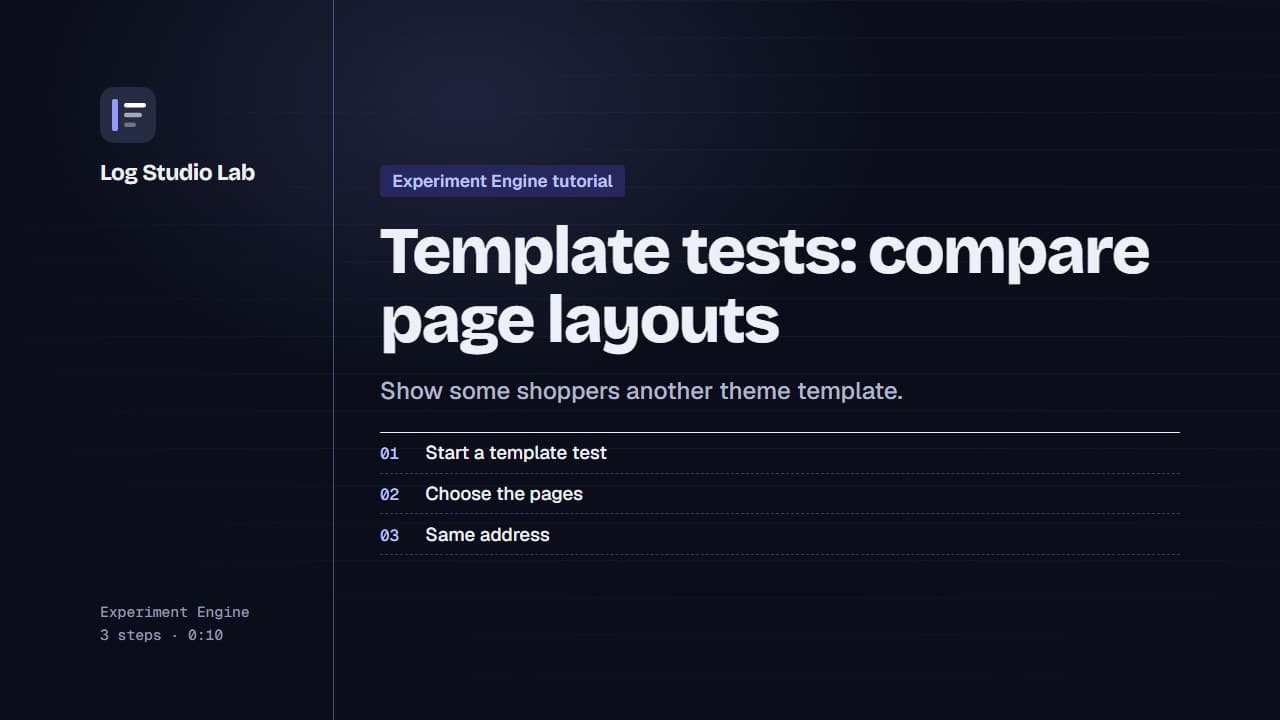
Template tests: compare page layouts
Set up a page template test: choose which pages are tested, then compare alternate templates from your live theme.
0:52
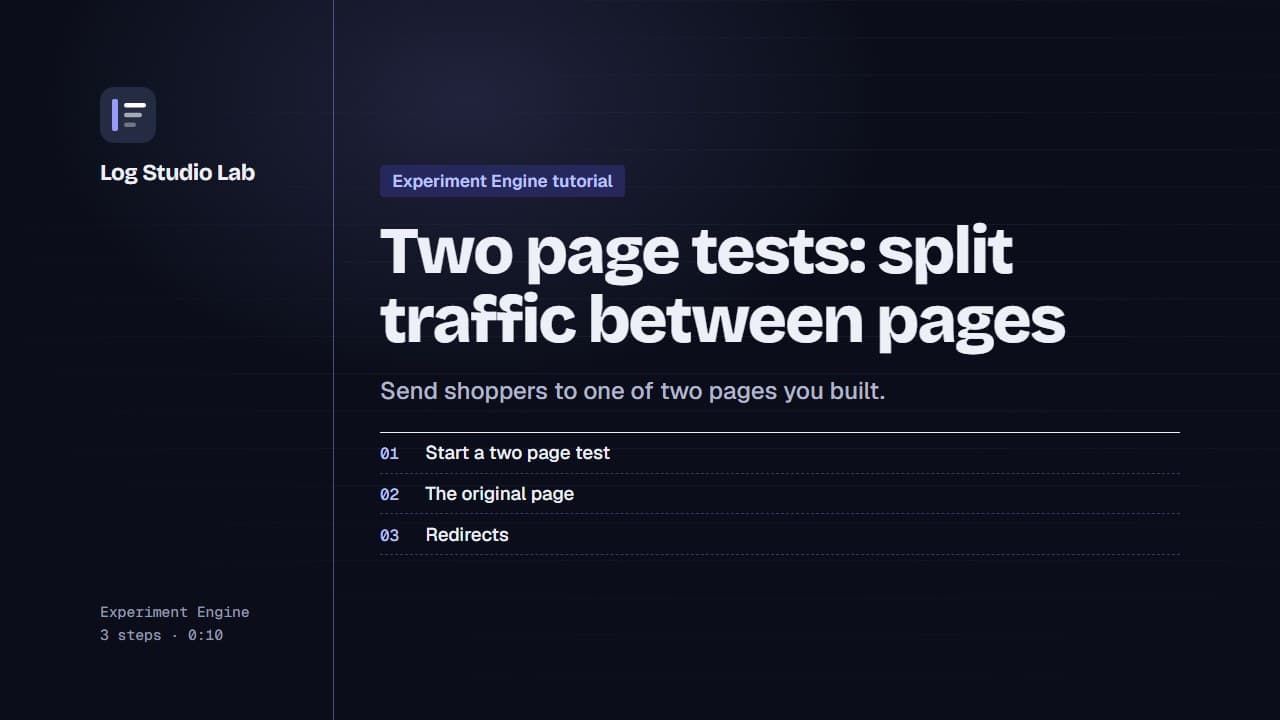
Two page tests: split traffic between pages
Set up a two page test: choose the original page, and send some shoppers to another page on your store.
0:53
Checkout tests and the checkout block
Set up a checkout test: choose where the message shows, write each version's title and message, then place the block in the checkout editor.
0:50
Read your results: chance to win and likely range
Read a test result: find it in the Tests list, then the verdict, chance to beat original, likely range and chart. Shown with demo store data.
0:59
End a test and ship the winner
When a version is a likely winner, ship it, or keep running to be sure. See what the end test choices mean. Shown with demo store data.
0:49
Test a mini app with Experiment Engine
Publish a mini app, then start a test from its editor with Test with Experiments, and set up the versions, here for the Urgency Bar.
0:48
Mini app test results and feature revenue
Read the results of a Bundle Builder test and a Quantity Breaks test: orders with the feature, share of orders and feature revenue. Demo data.
0:52