Freebies Engine · 0:55
Read your Freebies Engine analytics
Read the analytics overview, the per offer table with a CSV export, and one offer's funnel from view to order. Shown with demo store data.

Screens that show results use demo store data, labeled in the video.
Chapters
Read the guide
Transcript
0:03 The overview
Analytics shows what your offers earn, in your store's days and currency. Pick a date range, and compare it with the previous period. The cards show attributed revenue, orders with offers, average order value and the carts that qualified.
0:20 Offers
The Offers tab lists every offer with impressions, qualified carts, added, orders, revenue and order rate. You can filter by type and status, and export the table as a CSV. In this video these numbers are demo store data.
0:37 One offer in detail
Open an offer to see how shoppers moved from seeing it to ordering. The funnel shows widget views, offers qualified, gifts added, and orders placed. Below it, revenue by day shows when the offer earns.
More video tutorials
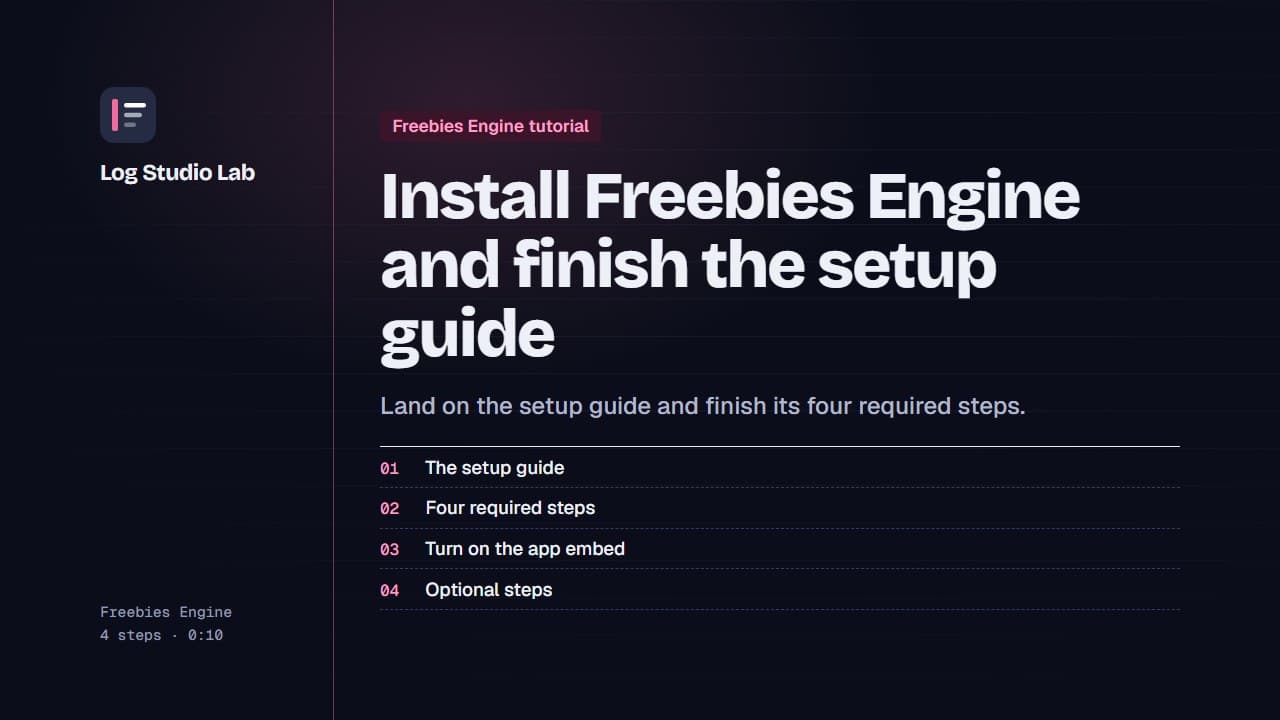
Install Freebies Engine and finish the setup guide
After installing Freebies Engine, the setup guide lists four required steps. See them, turn on the app embed and finish the optional ones.
0:55
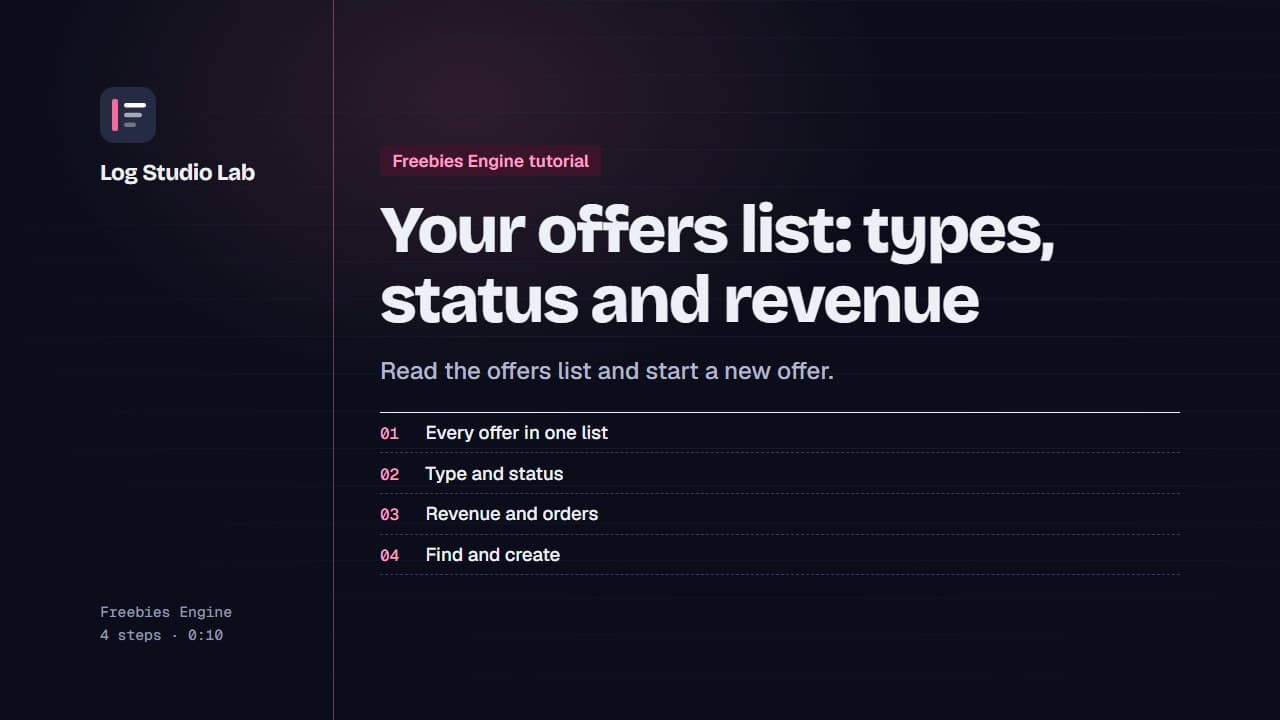
Your offers list: types, status and revenue
Open Offers to see every offer with its type, status and revenue, pause or resume with the switch, and find offers with tabs and filters.
0:48
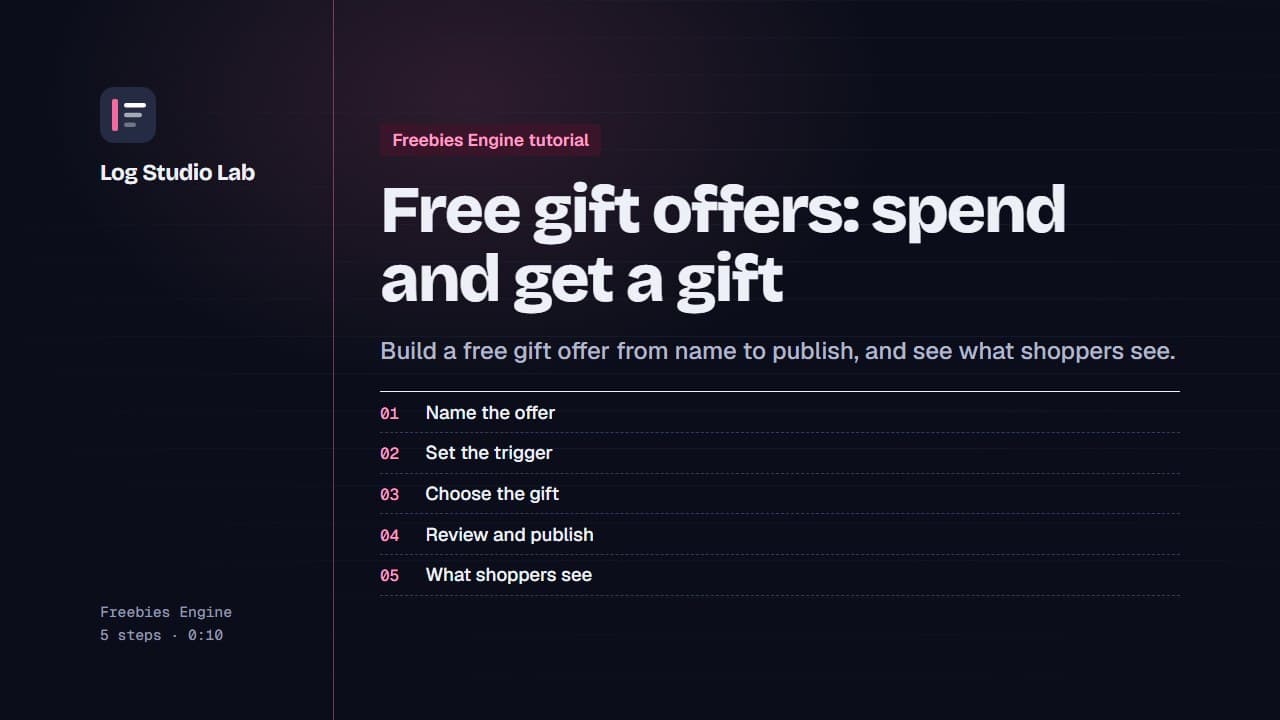
Free gift offers: spend and get a gift
Create a free gift offer: name it, set the cart value trigger, choose the gift, review and publish, then see the gift picker on the storefront.
1:11