Freebies Engine · 1:11
Free gift offers: spend and get a gift
Create a free gift offer: name it, set the cart value trigger, choose the gift, review and publish, then see the gift picker on the storefront.

Screens that show results use demo store data, labeled in the video.
Chapters
Read the guide
Transcript
0:03 Name the offer
Create an offer from the free gift template and give it a name that only your team sees. The title shoppers see appears in the cart, at checkout and in widgets. Then choose how shoppers get it: automatically, or with a discount code.
0:19 Set the trigger
On Trigger, set what a shopper needs to do, here a cart subtotal of at least seventy five dollars. You can also set a maximum and count only certain products.
0:31 Choose the gift
On Gift, choose the gift product, here a canvas tote bag. The gift can be added to the cart automatically, or shoppers can pick from your gifts. You can also add fallback gifts in case a gift sells out.
0:45 Review and publish
Open Review to check everything before it goes live. Review points out what is left to do, such as turning on the app embed so shoppers can see the offer. Then select Publish.
0:58 What shoppers see
On the storefront, the cart tells shoppers they unlocked a free gift. They pick a gift in the picker. And add it to the cart.
More video tutorials
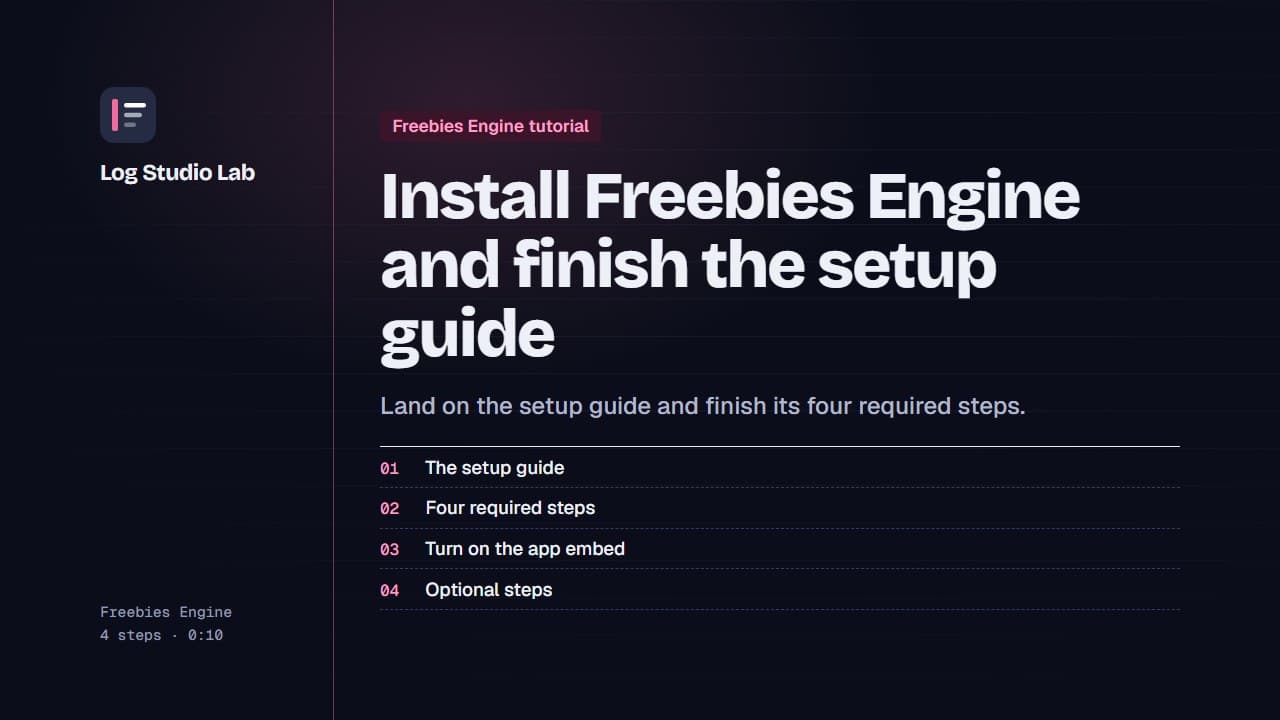
Install Freebies Engine and finish the setup guide
After installing Freebies Engine, the setup guide lists four required steps. See them, turn on the app embed and finish the optional ones.
0:55
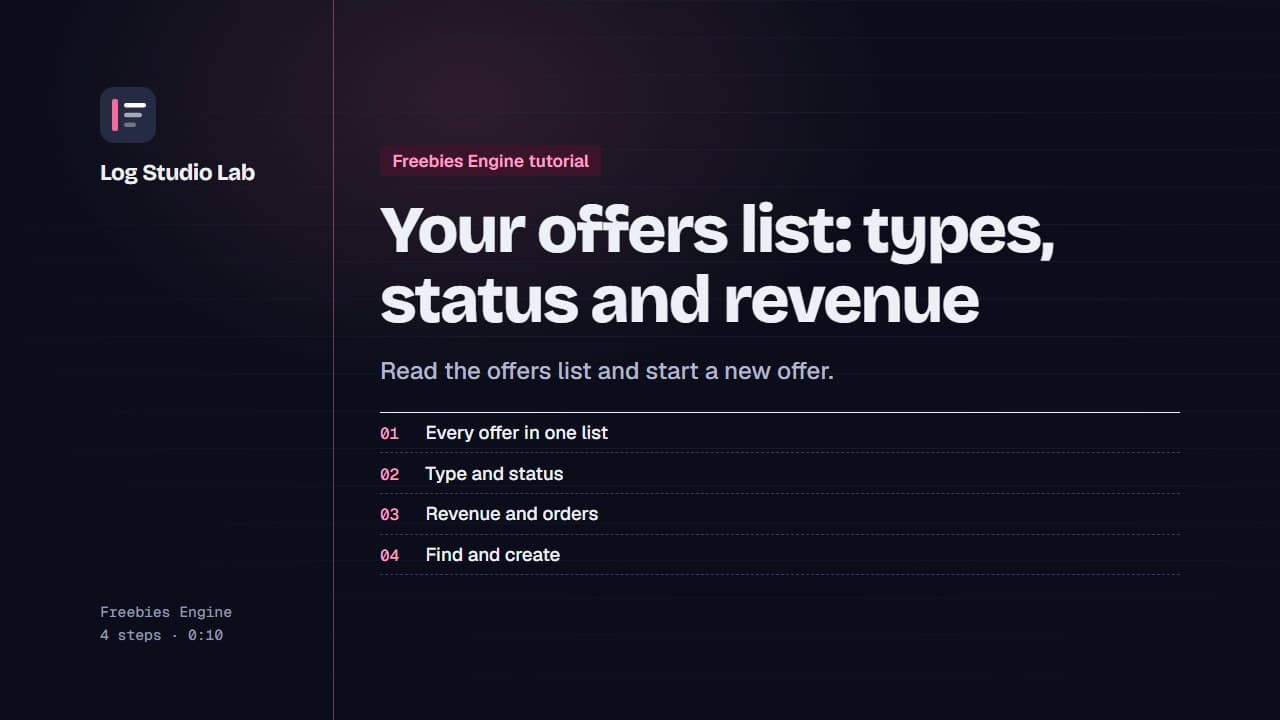
Your offers list: types, status and revenue
Open Offers to see every offer with its type, status and revenue, pause or resume with the switch, and find offers with tabs and filters.
0:48
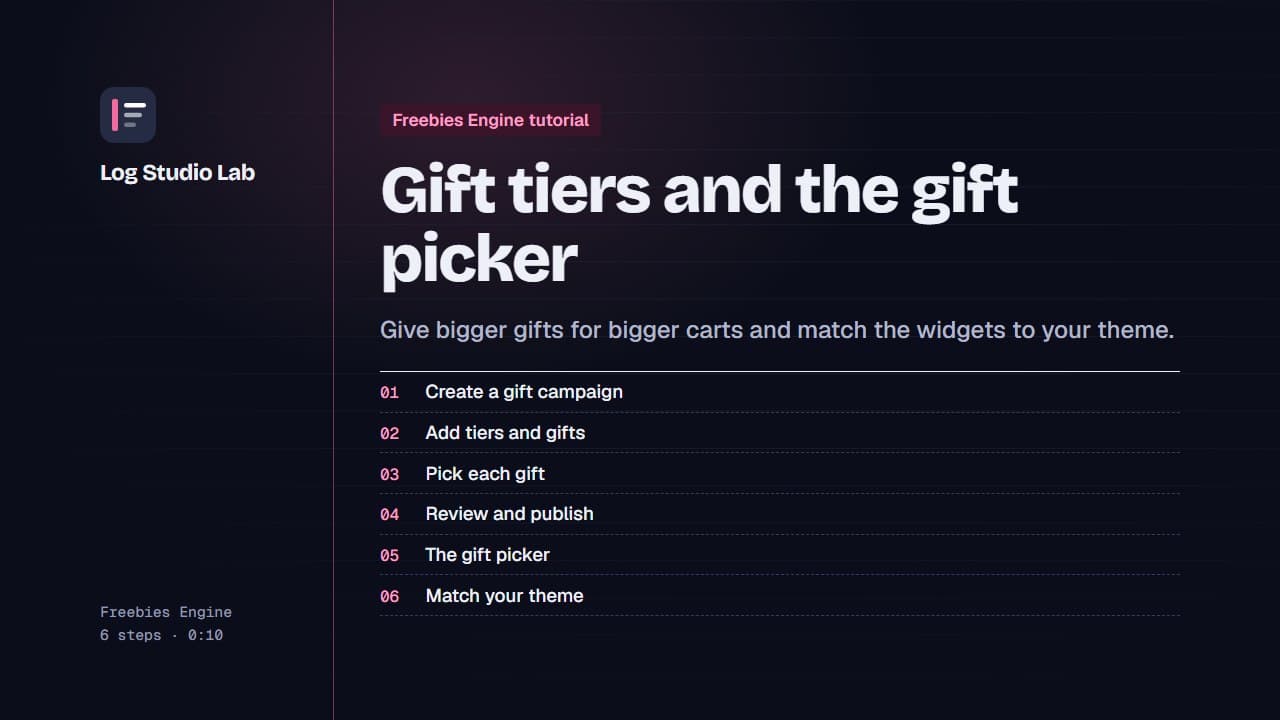
Gift tiers and the gift picker
Create a gift campaign with spend tiers, choose a gift for each tier, publish, and see the gift picker and the appearance settings.
1:10