Mini apps · 0:52
Urgency Bar: a message at the top of your store
Create an Urgency Bar announcement, check the preview at the top of the page, edit the message and publish it.

Chapters
Read the guide
Transcript
0:03 Write the message
An Urgency Bar is a message at the top of your store, such as free returns on every order. Choose its kind, write the message, and add an optional link.
0:14 Settings
Look, where it shows, behavior and placement each have their own settings. Where it shows lets you pick page types, devices and a schedule. A shopper can close the bar for the visit or for some days, which you set in Behavior.
0:30 Preview and edit
The preview shows the bar above the page as you type. Here the message becomes free returns, extended to sixty days.
0:39 Publish
Select Publish, check the list, and confirm. A message confirms it is published, and the bar shows as live.
More video tutorials
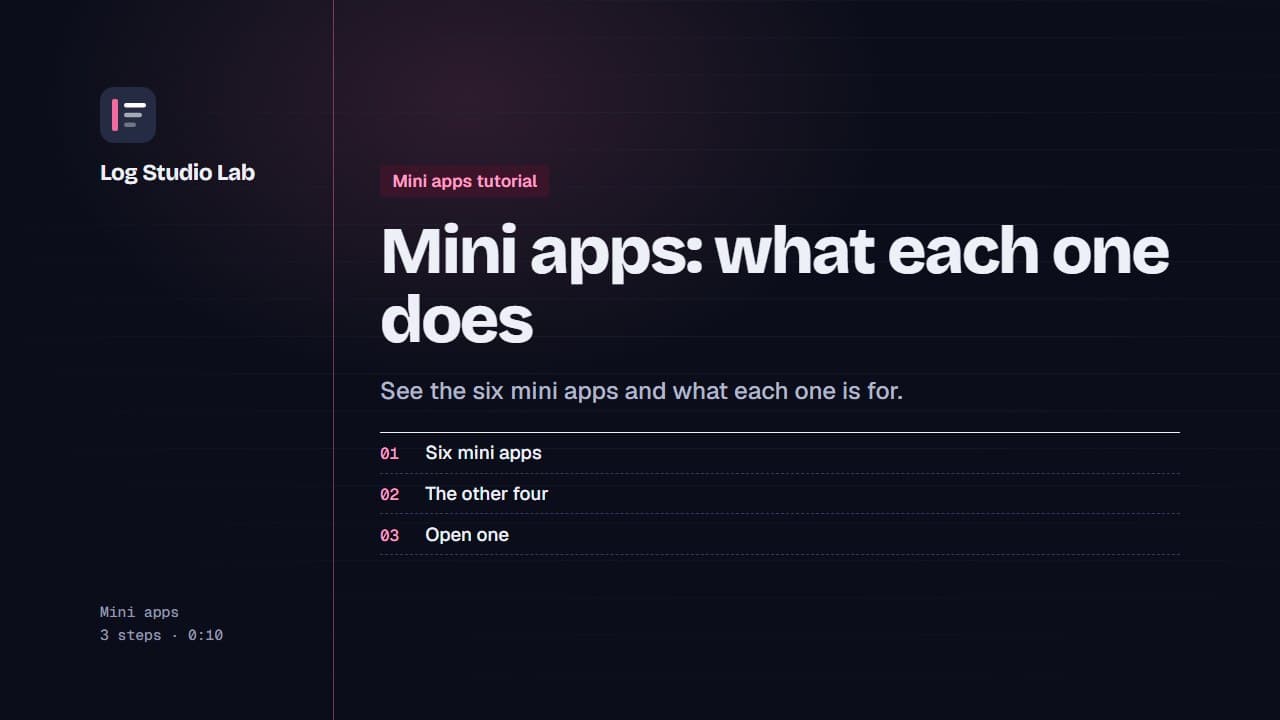
Mini apps: what each one does
A tour of the six mini apps: Bundle Builder, Quantity Breaks, AI Chat, Urgency Bar, Sticky Add to Cart and Sales Pop.
0:48
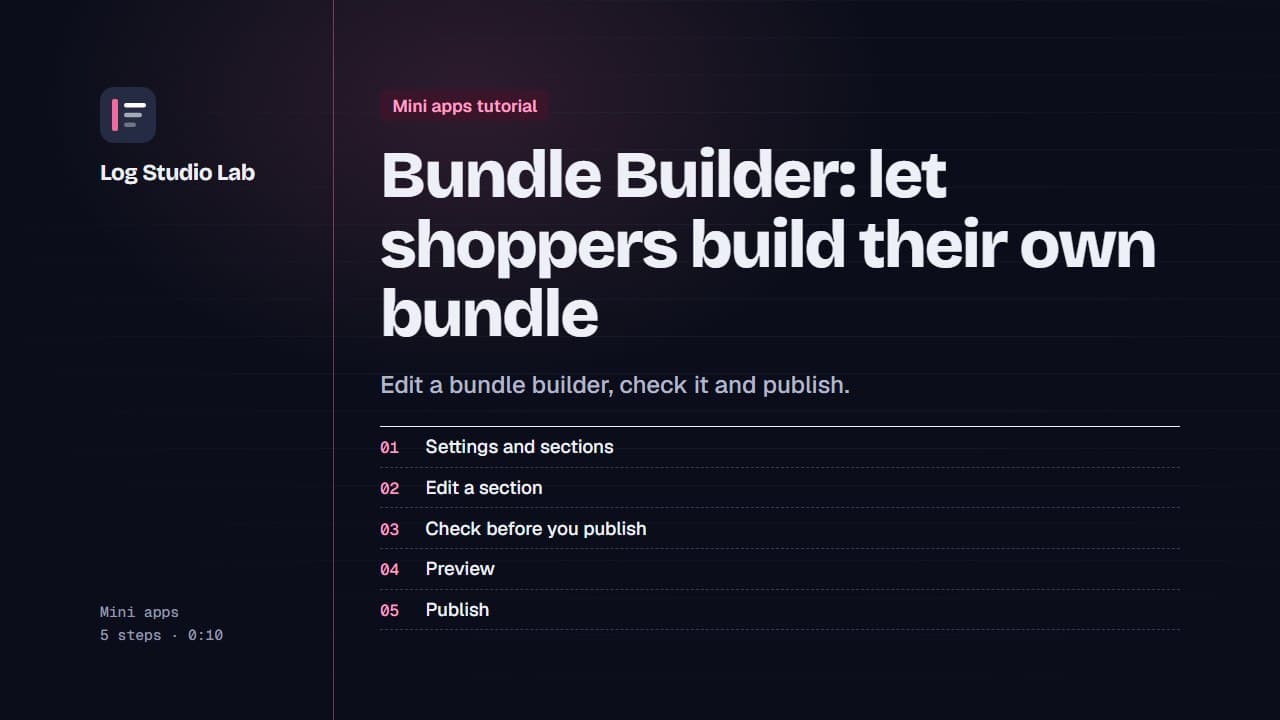
Bundle Builder: let shoppers build their own bundle
Walk through the Bundle Builder editor: settings and sections, the readiness checklist, the live preview, and publishing.
1:09
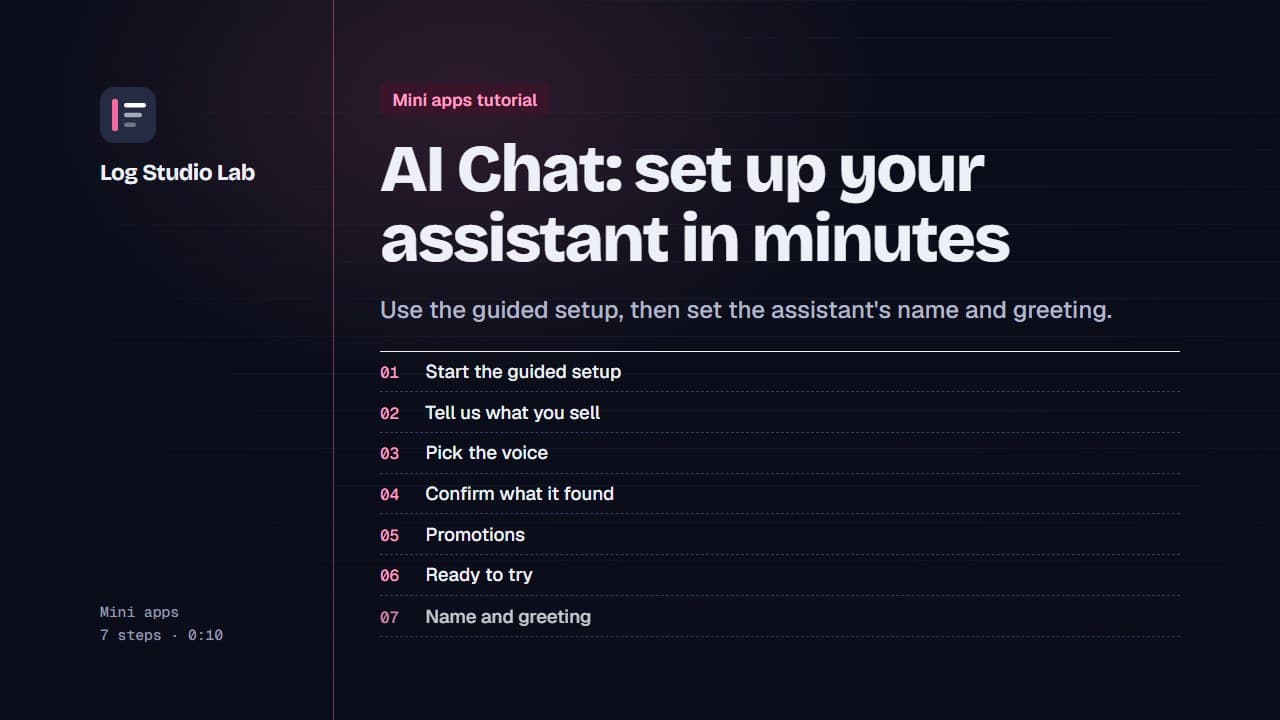
AI Chat: set up your assistant in minutes
Start the AI Chat guided setup, answer short questions about your store, voice, returns and promotions, then set the name and greeting.
1:19