Mini apps · 1:09
Bundle Builder: let shoppers build their own bundle
Walk through the Bundle Builder editor: settings and sections, the readiness checklist, the live preview, and publishing.

Chapters
Read the guide
Transcript
0:03 Settings and sections
Bundle Builder has its own editor, with settings for theme and style, rules, pricing, behavior and placement. Below them are the sections of the page: hero, intro, trust badges, the progress and tier bar, steps and product grid, sticky summary, and more.
0:22 Edit a section
Select a section to edit it, like the hero with its heading, subheading and button. You can choose where the button goes, such as the steps below.
0:32 Check before you publish
The Before you publish card checks every step, the rules, the pricing, and that adding to the cart is set up. Recommended items, like the discount applying at checkout, are listed below it.
0:45 Preview
The preview shows the builder on desktop, tablet or mobile, and in states like empty, building and tier reached. You can switch between light and dark to check the colors.
0:57 Publish
Select Publish, check the list in the dialog, and confirm. Shoppers see it on your store within a few minutes.
More video tutorials
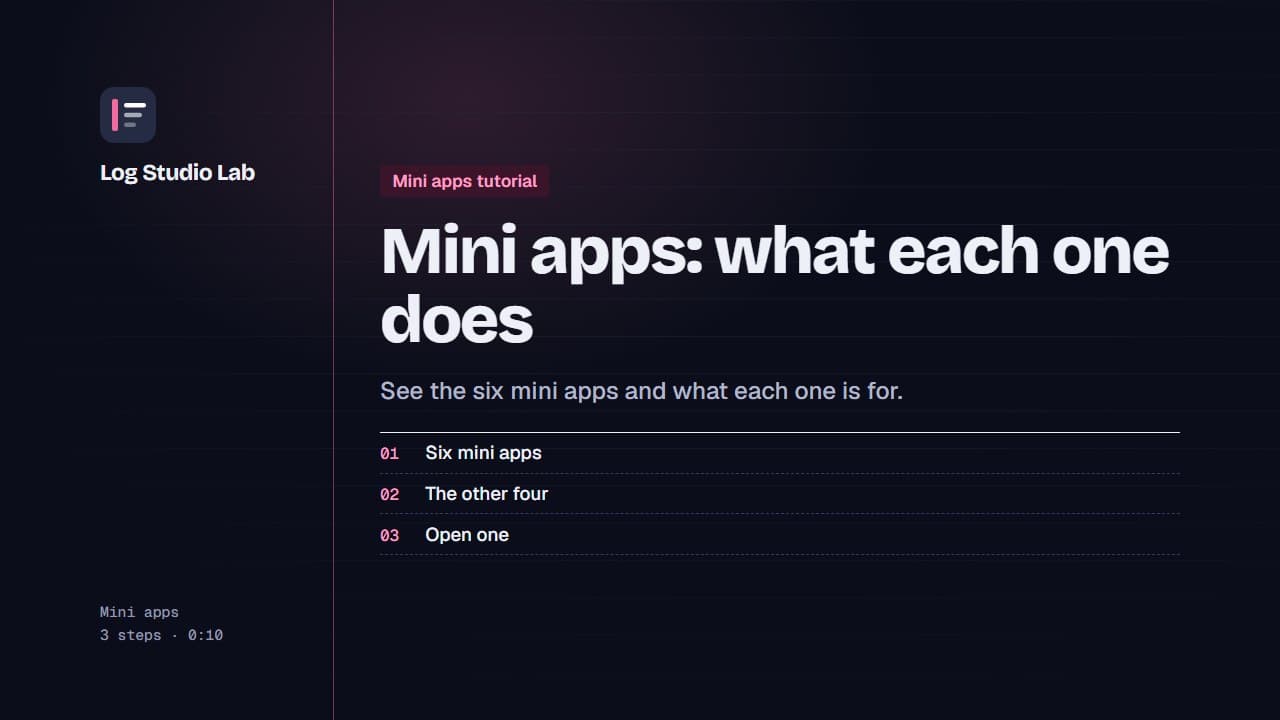
Mini apps: what each one does
A tour of the six mini apps: Bundle Builder, Quantity Breaks, AI Chat, Urgency Bar, Sticky Add to Cart and Sales Pop.
0:48
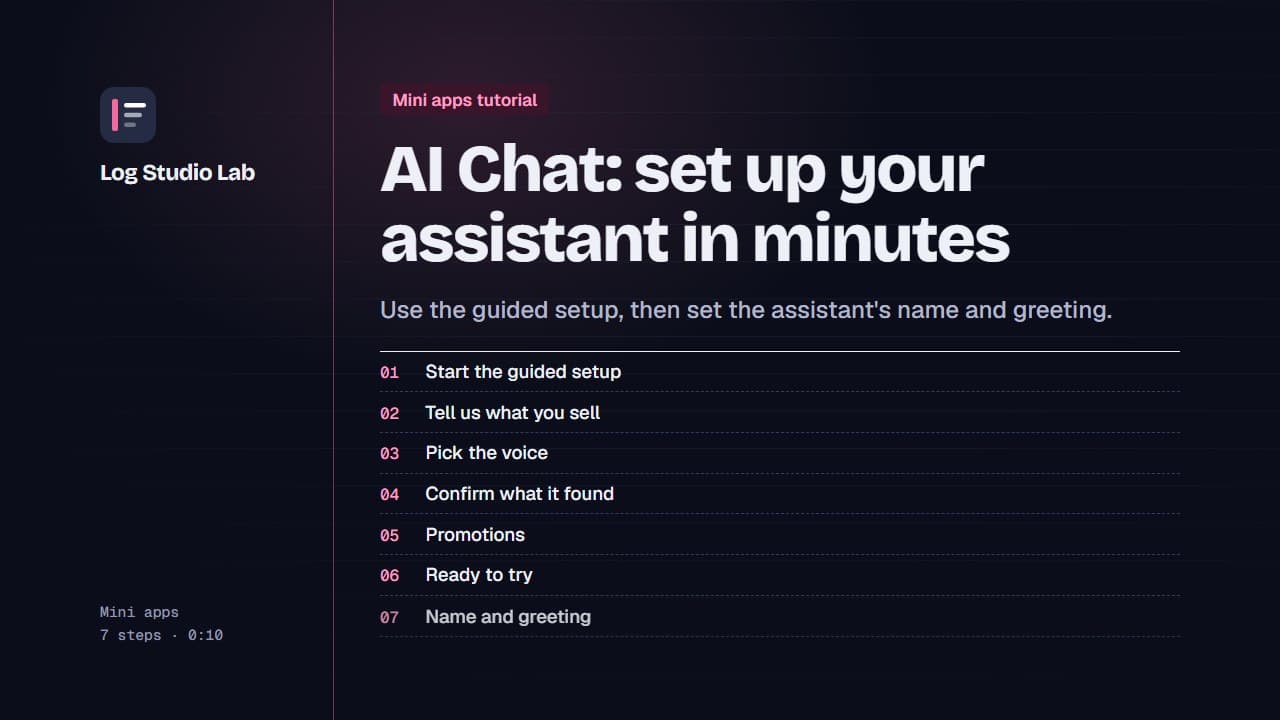
AI Chat: set up your assistant in minutes
Start the AI Chat guided setup, answer short questions about your store, voice, returns and promotions, then set the name and greeting.
1:19
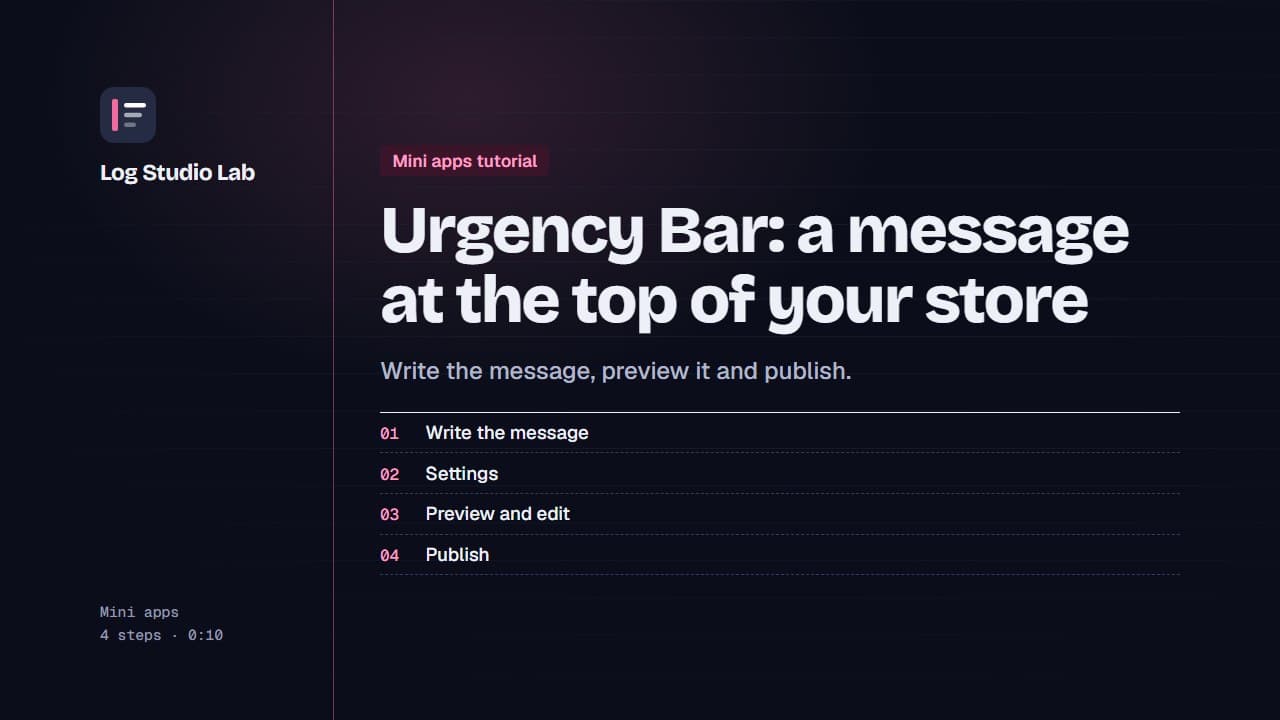
Urgency Bar: a message at the top of your store
Create an Urgency Bar announcement, check the preview at the top of the page, edit the message and publish it.
0:52