Mini apps · 1:19
AI Chat: set up your assistant in minutes
Start the AI Chat guided setup, answer short questions about your store, voice, returns and promotions, then set the name and greeting.

Chapters
Read the guide
Transcript
0:03 Start the guided setup
Open AI Chat and its Guidance tab, where a card offers to set up your assistant in a few minutes. Seven short questions read your store first, so most of it is a tap to confirm. Context strength and guidance space show how much your assistant knows.
0:21 Tell us what you sell
Step one reads your products and collections, and you fix anything that is off. You can skip any step and come back later.
0:30 Pick the voice
Step two is the voice: tap the reply you would be happy to send. You can add words to use and words to avoid.
0:38 Confirm what it found
For returns, the setup shows what it found in your policy and asks, is this right? The assistant only uses what you confirm.
0:48 Promotions
On promotions, choose whether it mentions live offers only, or never mentions discounts.
0:55 Ready to try
When you finish, your assistant is ready to try, with a short list of what would make it stronger.
1:02 Name and greeting
In Persona, set the assistant's name and its welcome message. Add starter questions, which appear as buttons under the welcome message. The preview on the right shows the chat as shoppers see it.
More video tutorials
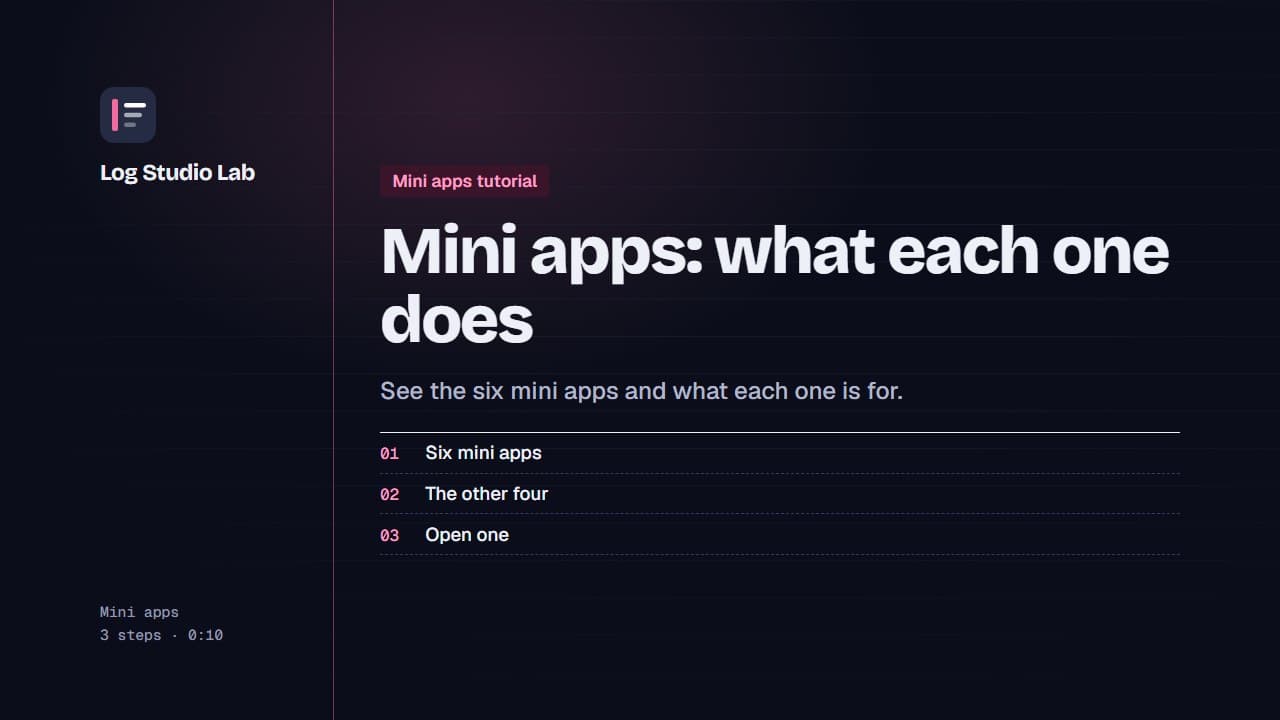
Mini apps: what each one does
A tour of the six mini apps: Bundle Builder, Quantity Breaks, AI Chat, Urgency Bar, Sticky Add to Cart and Sales Pop.
0:48
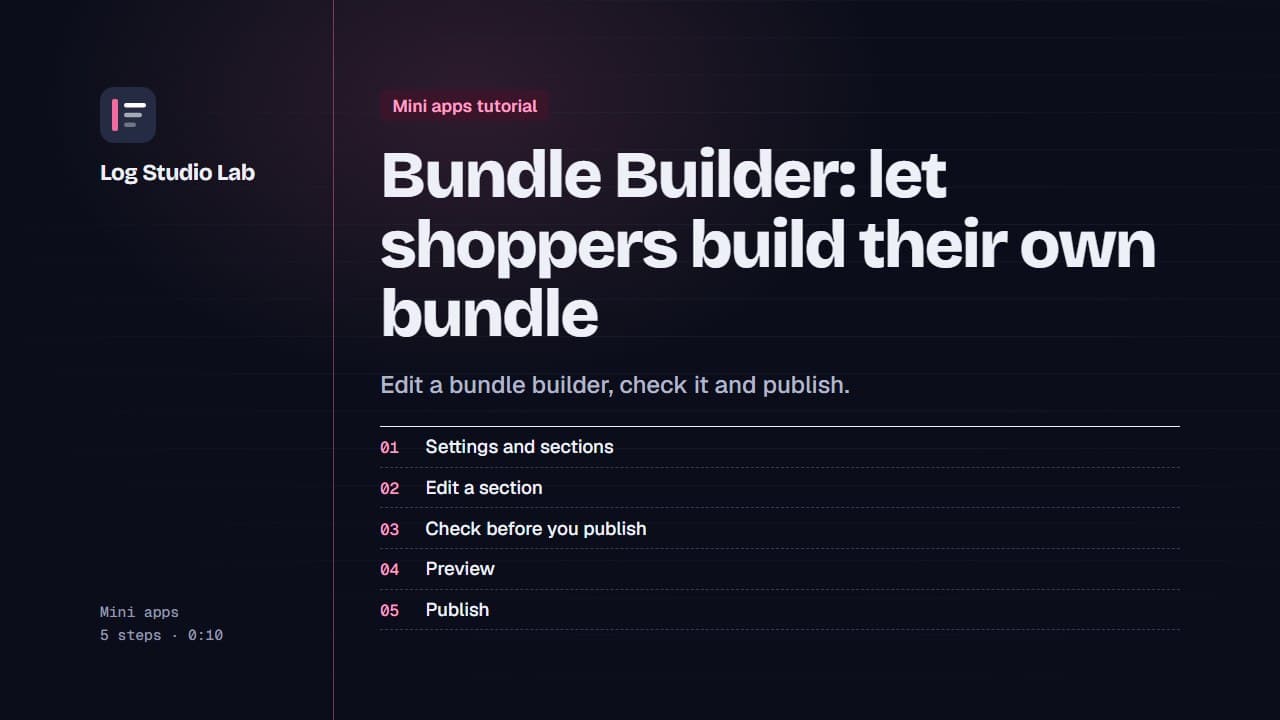
Bundle Builder: let shoppers build their own bundle
Walk through the Bundle Builder editor: settings and sections, the readiness checklist, the live preview, and publishing.
1:09
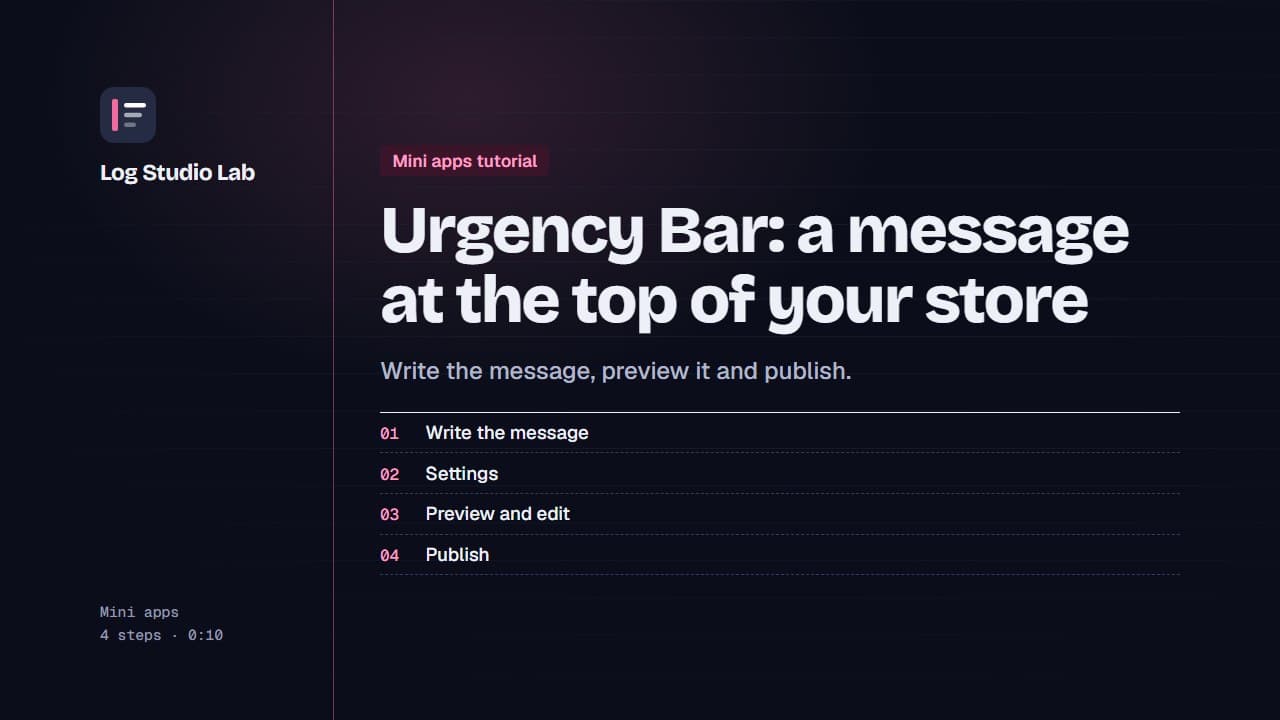
Urgency Bar: a message at the top of your store
Create an Urgency Bar announcement, check the preview at the top of the page, edit the message and publish it.
0:52