Experiment Engine · 0:50
Checkout tests and the checkout block
Set up a checkout test: choose where the message shows, write each version's title and message, then place the block in the checkout editor.

Chapters
Read the guide
Transcript
0:03 Where it shows
Choose where the block shows: the thank you page, the order status page, or a checkout step. The checkout steps need Shopify Plus.
0:13 Write each version
On Versions, give Version B a style, a title and a message. The Original shows nothing, so you can see if the message helps. The preview shows how the banner looks, in an information, success or warning style.
0:27 Place the block
Then place the Experiment Engine Checkout Test block in the checkout editor, where you want the message. Until you place the block, shoppers see nothing, and the launch sheet reminds you. The block counts a shopper as in the test only when the app embed and tracking are on.
More video tutorials
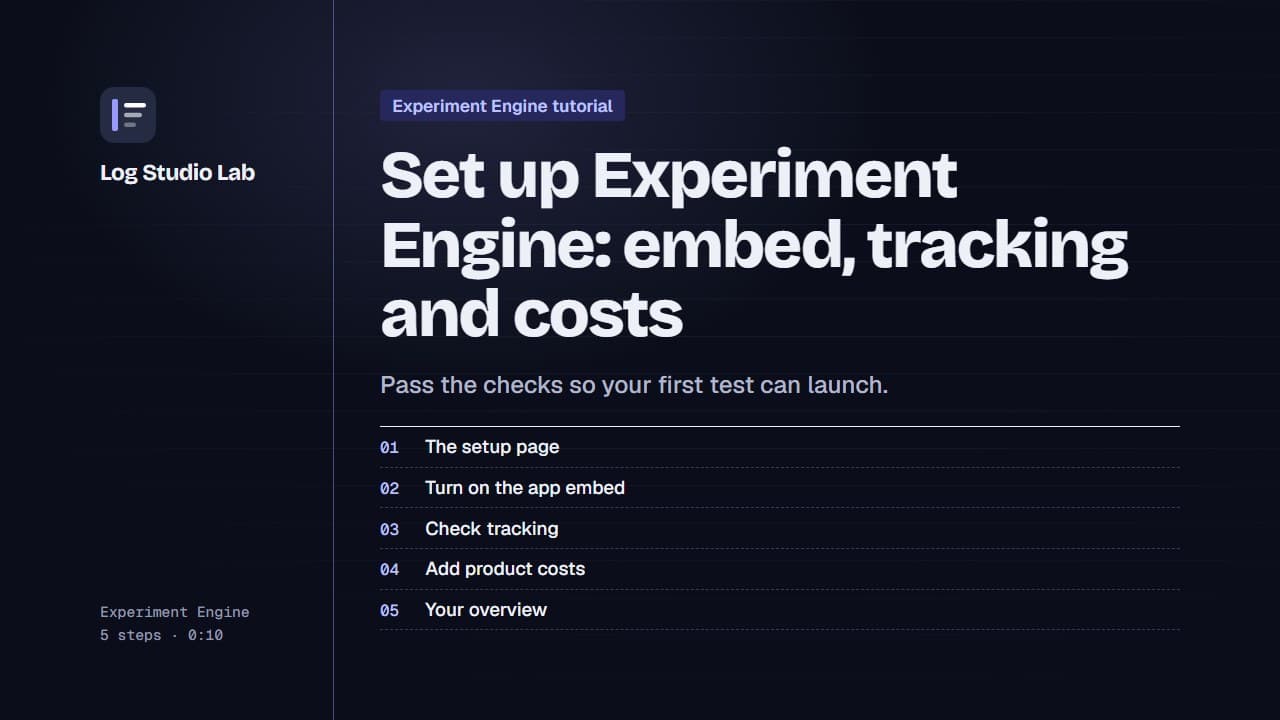
Set up Experiment Engine: embed, tracking and costs
Walk through the Experiment Engine setup page: turn on the app embed, check tracking, add product costs and find your overview.
0:58
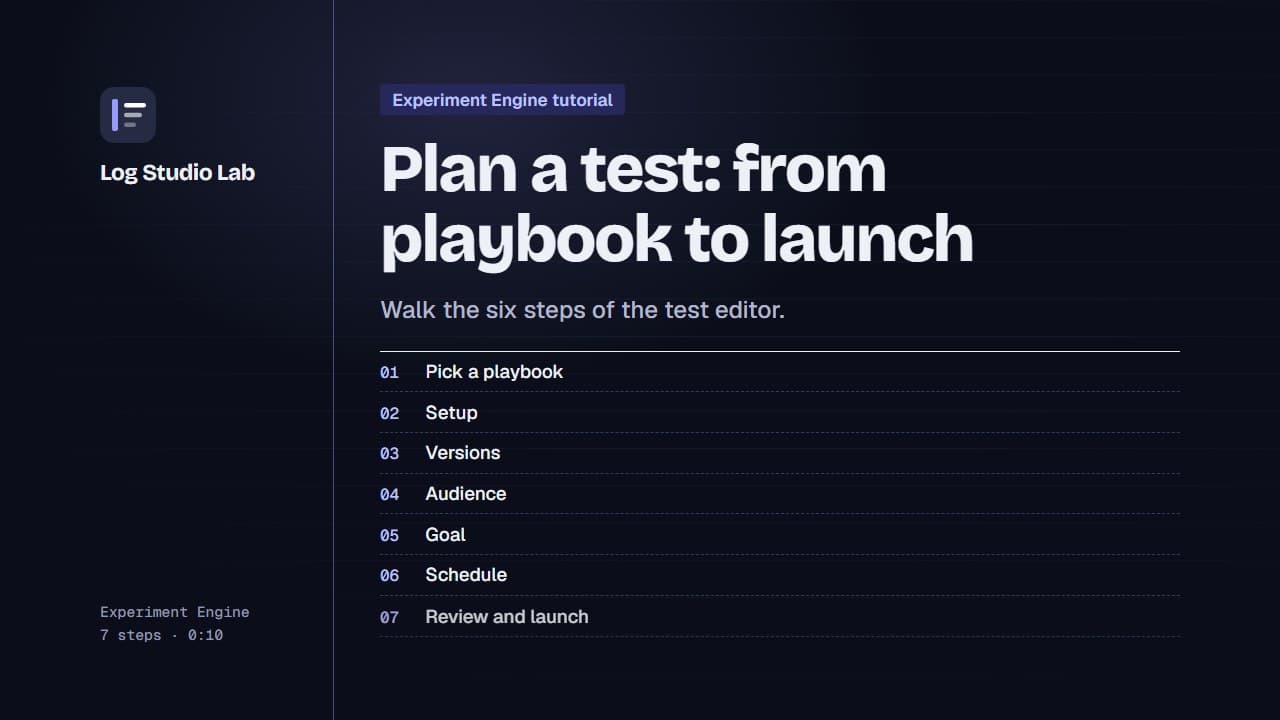
Plan a test: from playbook to launch
Pick a playbook, then walk the six steps of the test editor: setup, versions, audience, goal, schedule and review.
1:10
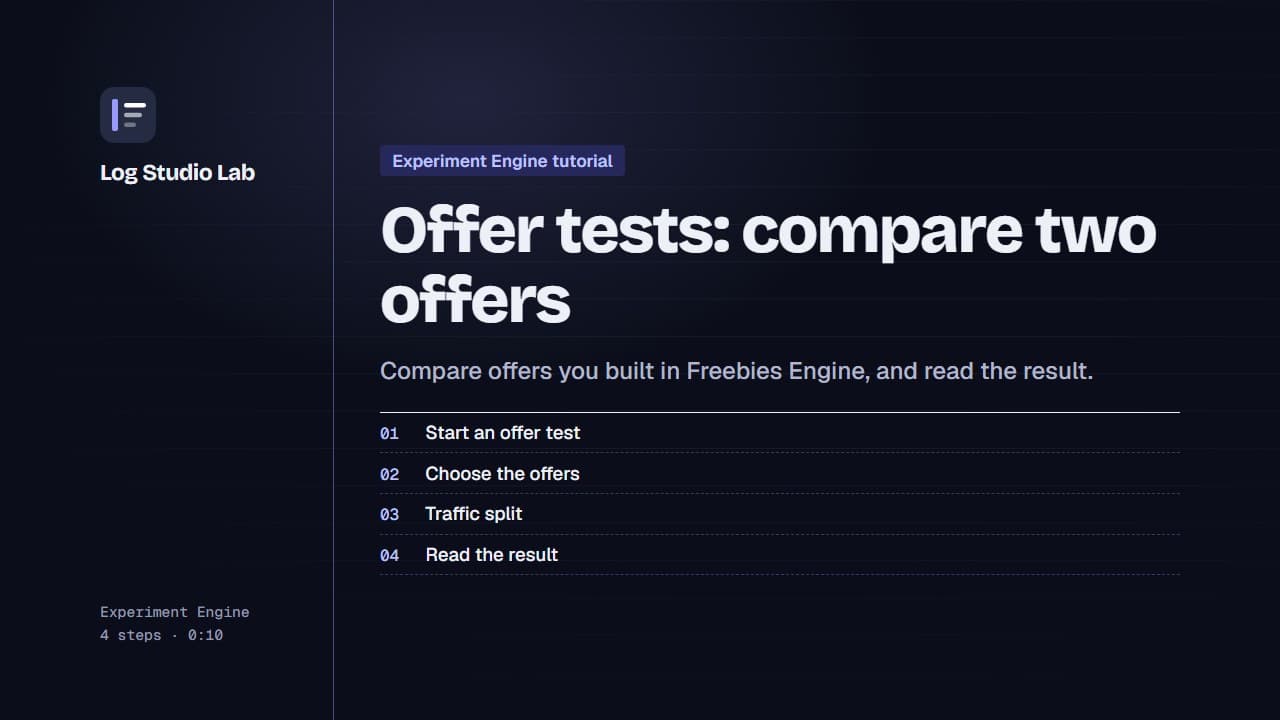
Offer tests: compare two offers
Set up an offer test to compare offers from Freebies Engine, or one offer against none, then read the result. Results shown with demo store data.
0:55