Experiment Engine · 0:49
End a test and ship the winner
When a version is a likely winner, ship it, or keep running to be sure. See what the end test choices mean. Shown with demo store data.

Screens that show results use demo store data, labeled in the video.
Chapters
Read the guide
Transcript
0:03 A likely winner
When a version is a likely winner, the verdict says so, with the chance to beat the original. The table shows the numbers behind the verdict.
0:13 Ship or keep running
Select Ship Version B to end the test and show it to everyone, or Keep running to be sure. Ending asks what shoppers should see from now on: a version, the original, or neither for now. Only admins can end a test.
0:29 After you ship
A winning page change applies to everyone until you make it permanent in your theme. Then you stop serving it from the test. A winning discount is created before the test ends, and if Shopify refuses it, the test keeps running.
More video tutorials
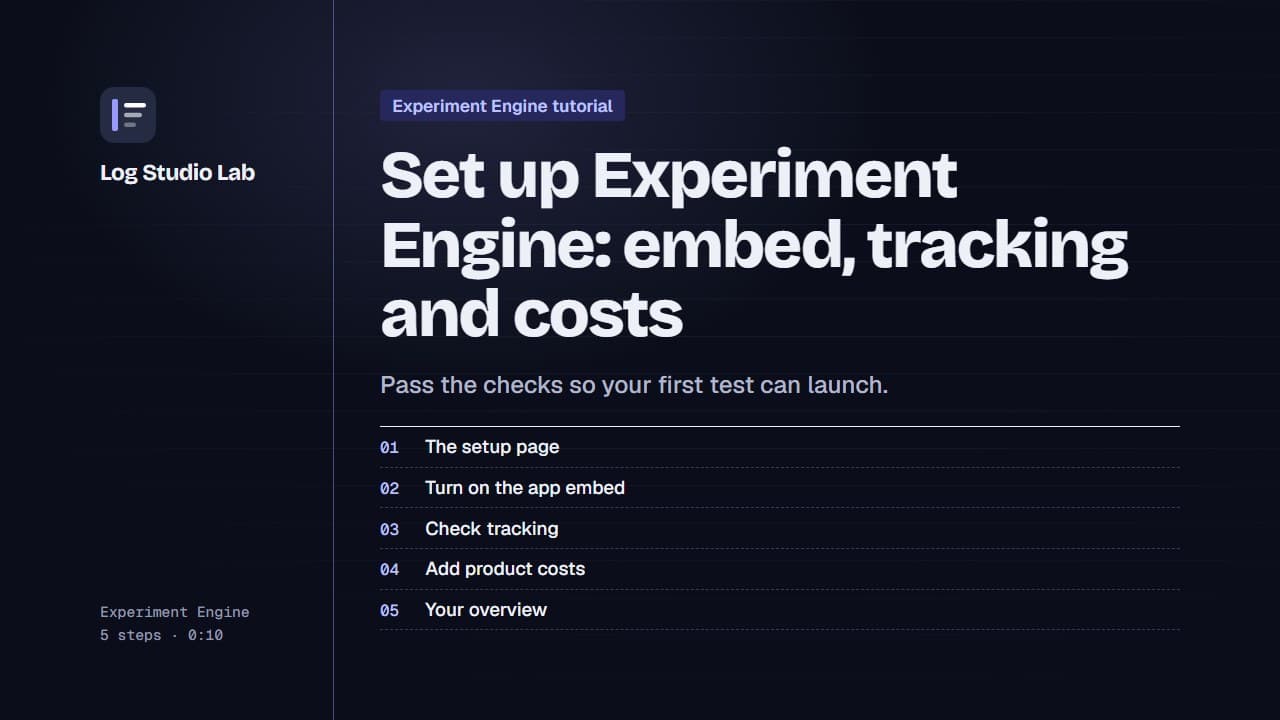
Set up Experiment Engine: embed, tracking and costs
Walk through the Experiment Engine setup page: turn on the app embed, check tracking, add product costs and find your overview.
0:58
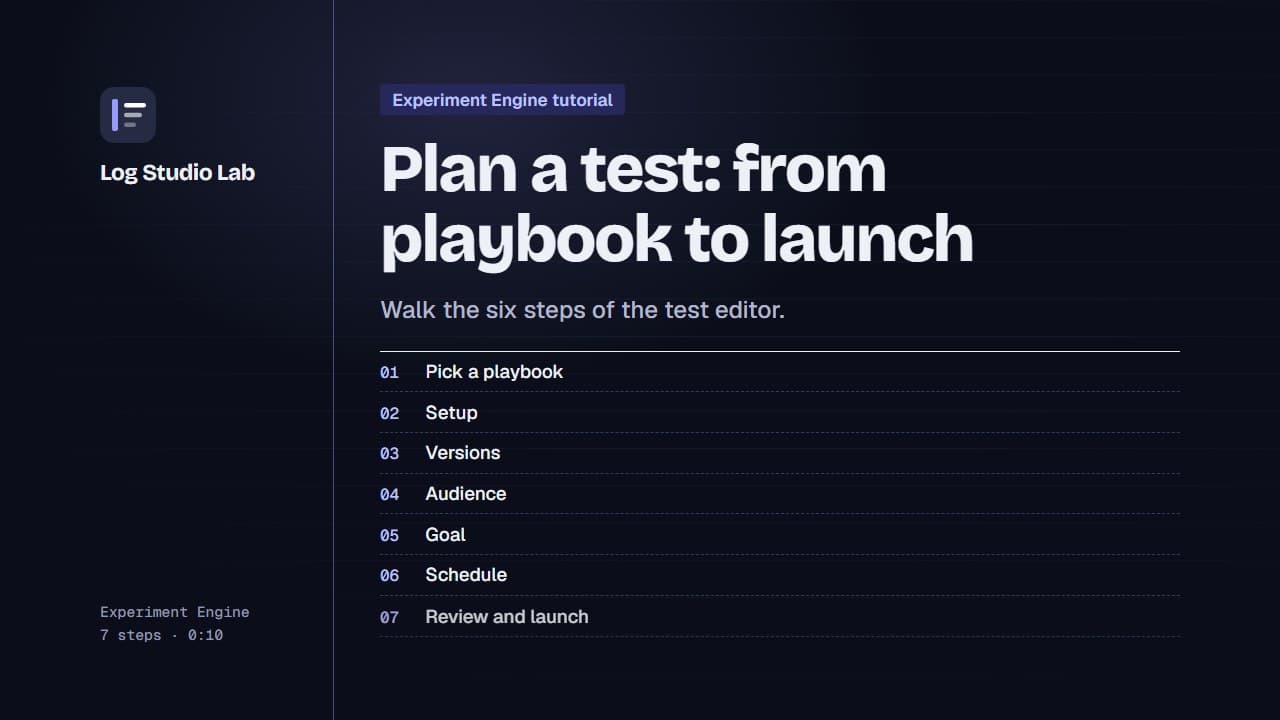
Plan a test: from playbook to launch
Pick a playbook, then walk the six steps of the test editor: setup, versions, audience, goal, schedule and review.
1:10
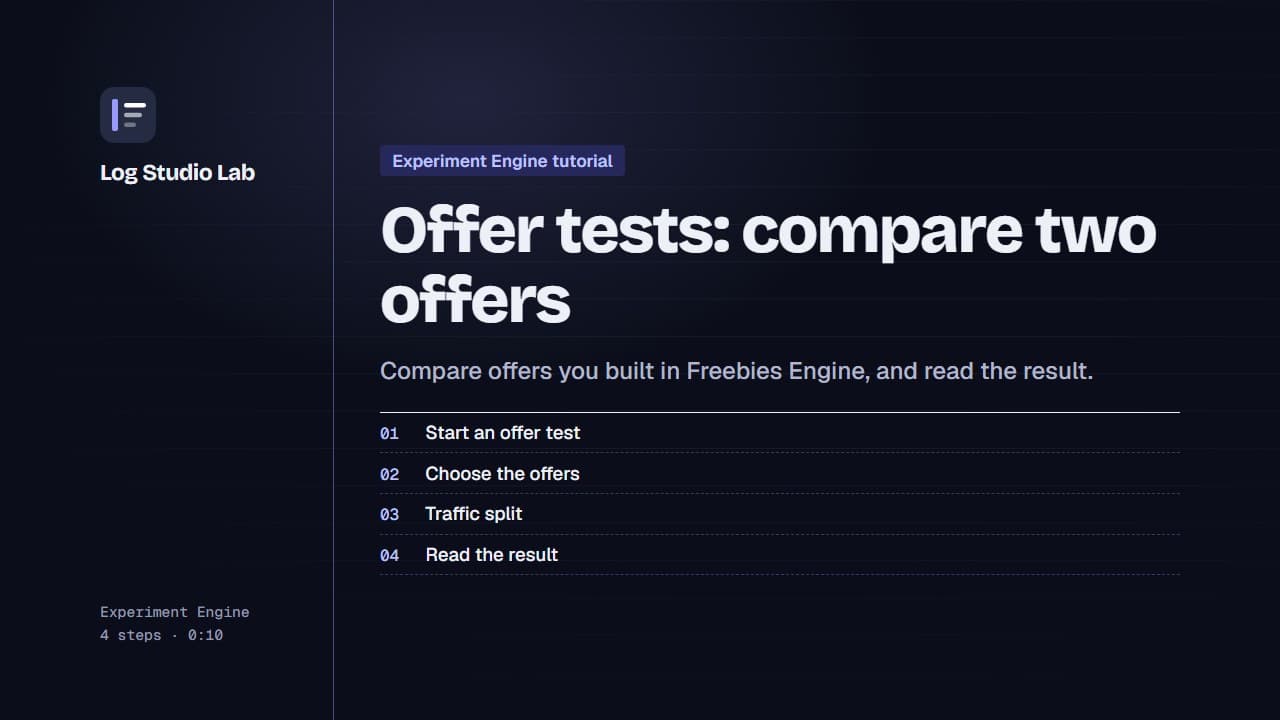
Offer tests: compare two offers
Set up an offer test to compare offers from Freebies Engine, or one offer against none, then read the result. Results shown with demo store data.
0:55