Experiment Engine · 0:51
Price tests: try a different price
Set up a price test: pick products or collections, choose whether prices can only go lower, set the change, and read the result with demo data.

Screens that show results use demo store data, labeled in the video.
Chapters
Read the guide
Transcript
0:03 Choose the products
Pick the products whose price changes, or whole collections. Every product in a collection you add is part of the test.
0:12 Lower only or higher or lower
Lower only works on every Shopify plan, while higher or lower needs Shopify Plus or a development store.
0:21 Set the change
On Versions, enter the change in price for Version B, as a percent. The Original keeps today's price, so shoppers compare the two. Prices on the page and in the cart always match.
0:34 Read the result
The Results tab shows revenue per visitor for each version. This test says keep running, because there is no clear winner yet. In this video these numbers are demo store data.
More video tutorials
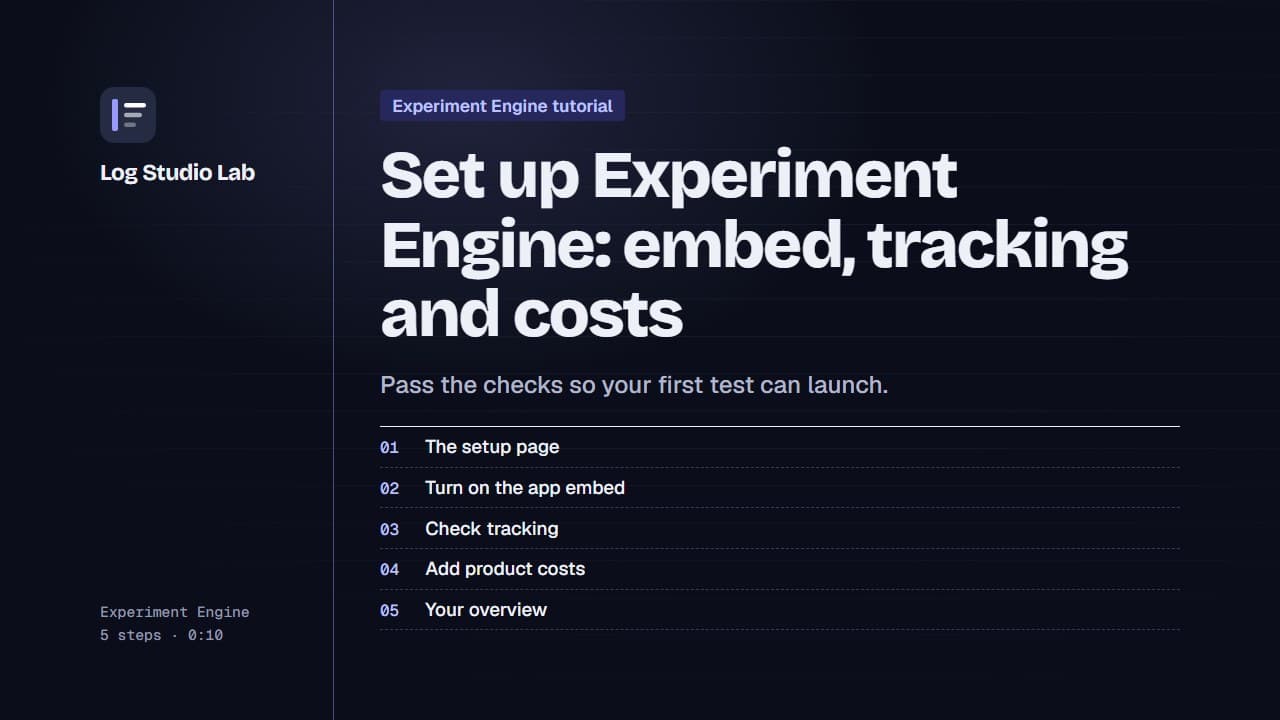
Set up Experiment Engine: embed, tracking and costs
Walk through the Experiment Engine setup page: turn on the app embed, check tracking, add product costs and find your overview.
0:58
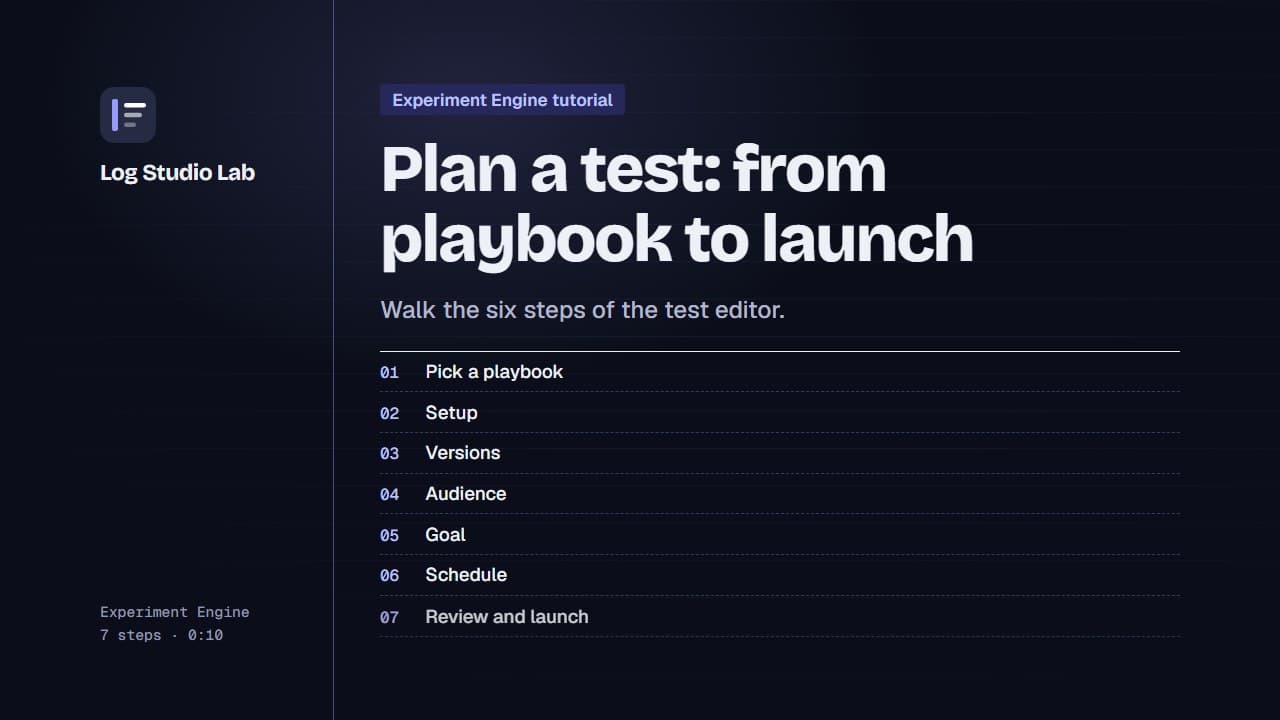
Plan a test: from playbook to launch
Pick a playbook, then walk the six steps of the test editor: setup, versions, audience, goal, schedule and review.
1:10
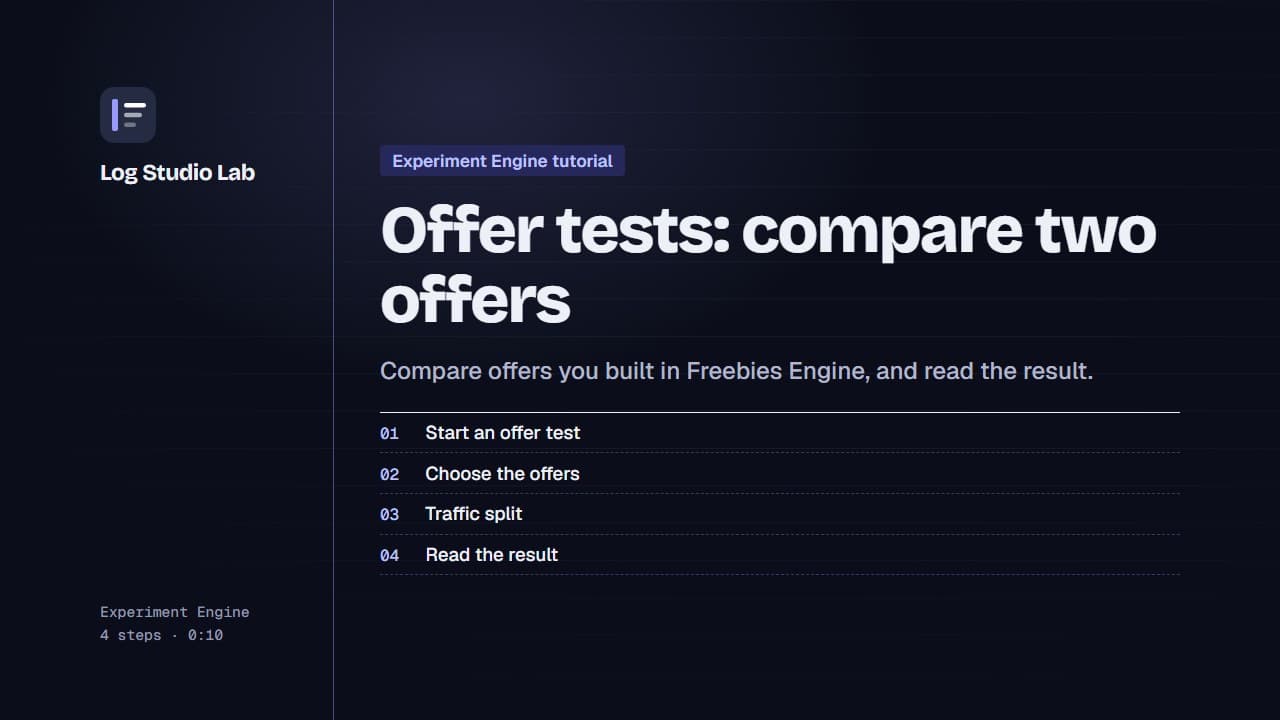
Offer tests: compare two offers
Set up an offer test to compare offers from Freebies Engine, or one offer against none, then read the result. Results shown with demo store data.
0:55