Experiment Engine · 0:59
Read your results: chance to win and likely range
Read a test result: find it in the Tests list, then the verdict, chance to beat original, likely range and chart. Shown with demo store data.

Screens that show results use demo store data, labeled in the video.
Chapters
Read the guide
Transcript
0:03 Find your tests
The Tests list shows every test with its status, main goal and visitors. Open a test to see its results.
0:11 The verdict
The Results tab compares each version with the original on your main goal. The headline gives the verdict, such as keep running, or Version B is a likely winner.
0:23 Chance to beat original
Chance to beat original is the probability that a version really does better. It never shows zero or one hundred percent, and it does not say how much better.
0:34 Likely range
Likely range is where the true change most likely sits. The wider the bar, the less sure we are, and if it spans zero the difference may be nothing.
0:45 Costs and the chart
If product costs are missing, profit is hidden, and the page offers Add costs. The chart shows how the result moved day by day.
More video tutorials
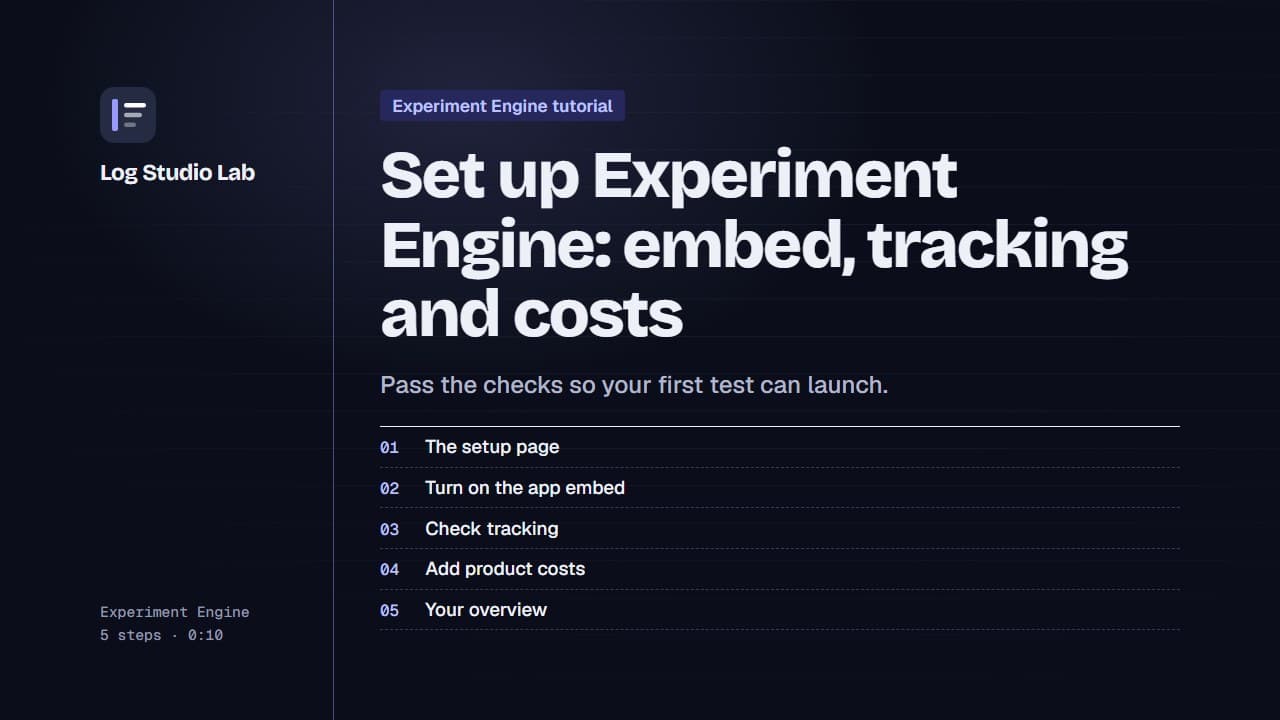
Set up Experiment Engine: embed, tracking and costs
Walk through the Experiment Engine setup page: turn on the app embed, check tracking, add product costs and find your overview.
0:58
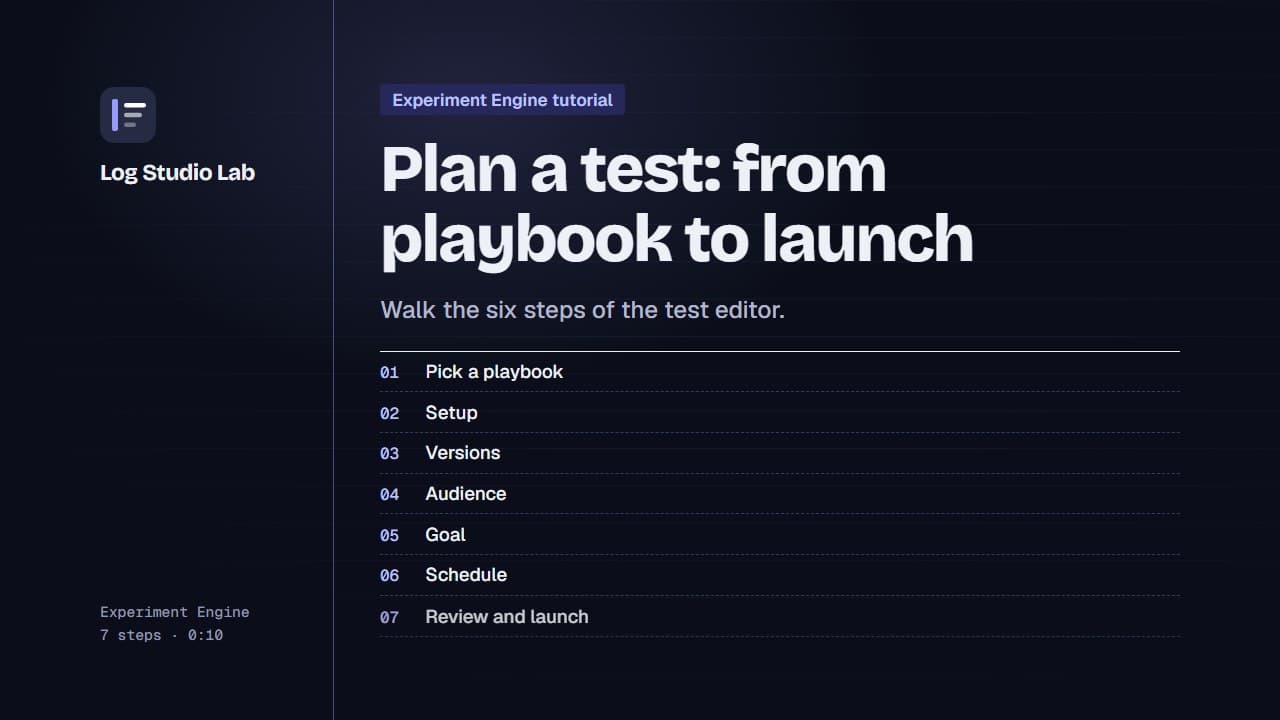
Plan a test: from playbook to launch
Pick a playbook, then walk the six steps of the test editor: setup, versions, audience, goal, schedule and review.
1:10
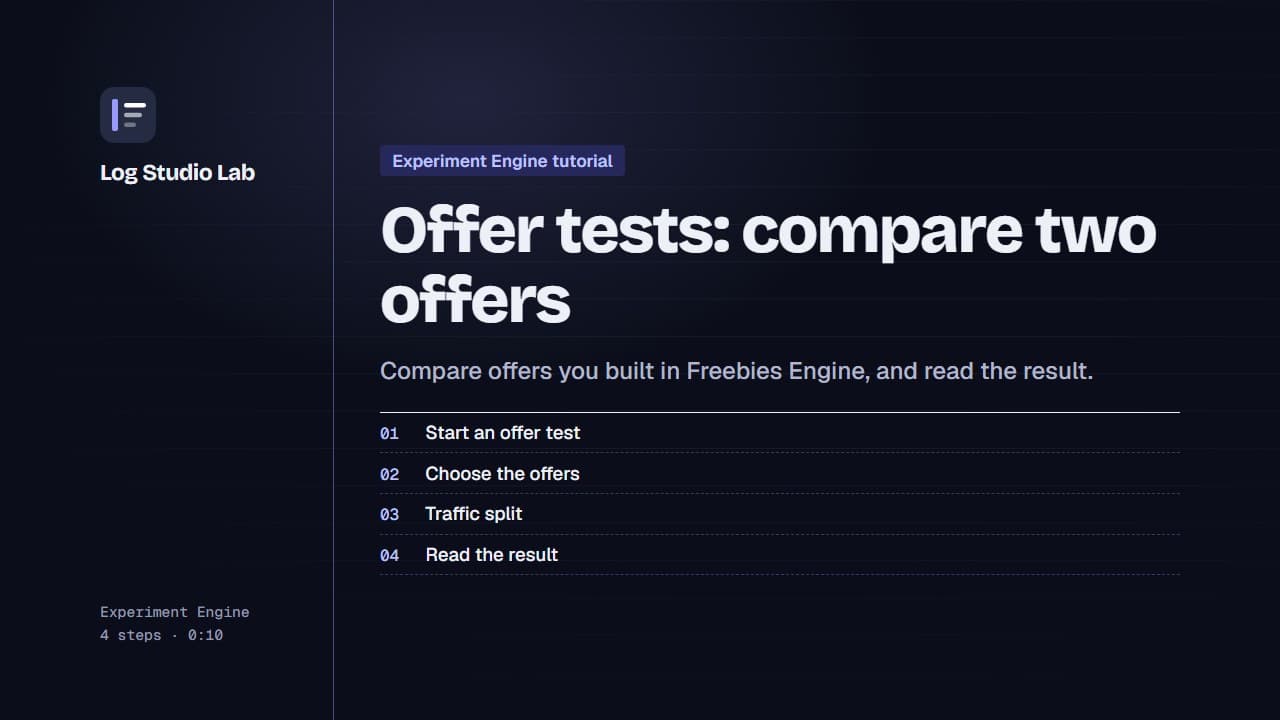
Offer tests: compare two offers
Set up an offer test to compare offers from Freebies Engine, or one offer against none, then read the result. Results shown with demo store data.
0:55