Freebies Engine · 0:47
Boosters and storefront appearance
Boosters point shoppers at your offers with a progress bar or a Today's offers launcher. Appearance sets colors and text for every widget.

Chapters
Read the guide
Transcript
0:03 What boosters are
Boosters are widgets that point shoppers at your offers. A Today's offers launcher lists your live offers, and a progress bar shows how close the cart is to a reward.
0:15 Create a booster
Select Add a progress bar, or Create booster to start. A progress bar follows the closest reward still to unlock. Boosters do not count toward your live offer limit.
0:28 Match your theme
In Appearance, colors, font and default text apply to every widget on your storefront. Tick Follow my theme to copy your theme's colors, or set your own. The preview beside the form shows the widget as shoppers see it.
More video tutorials
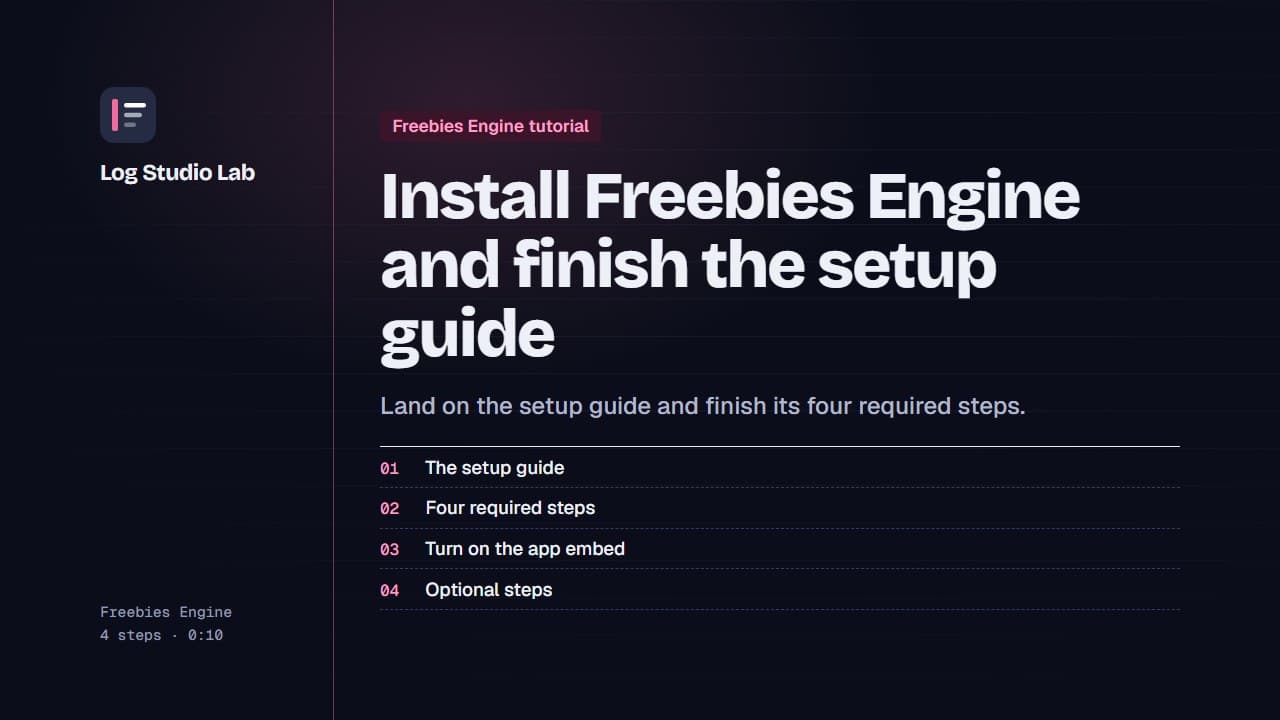
Install Freebies Engine and finish the setup guide
After installing Freebies Engine, the setup guide lists four required steps. See them, turn on the app embed and finish the optional ones.
0:55
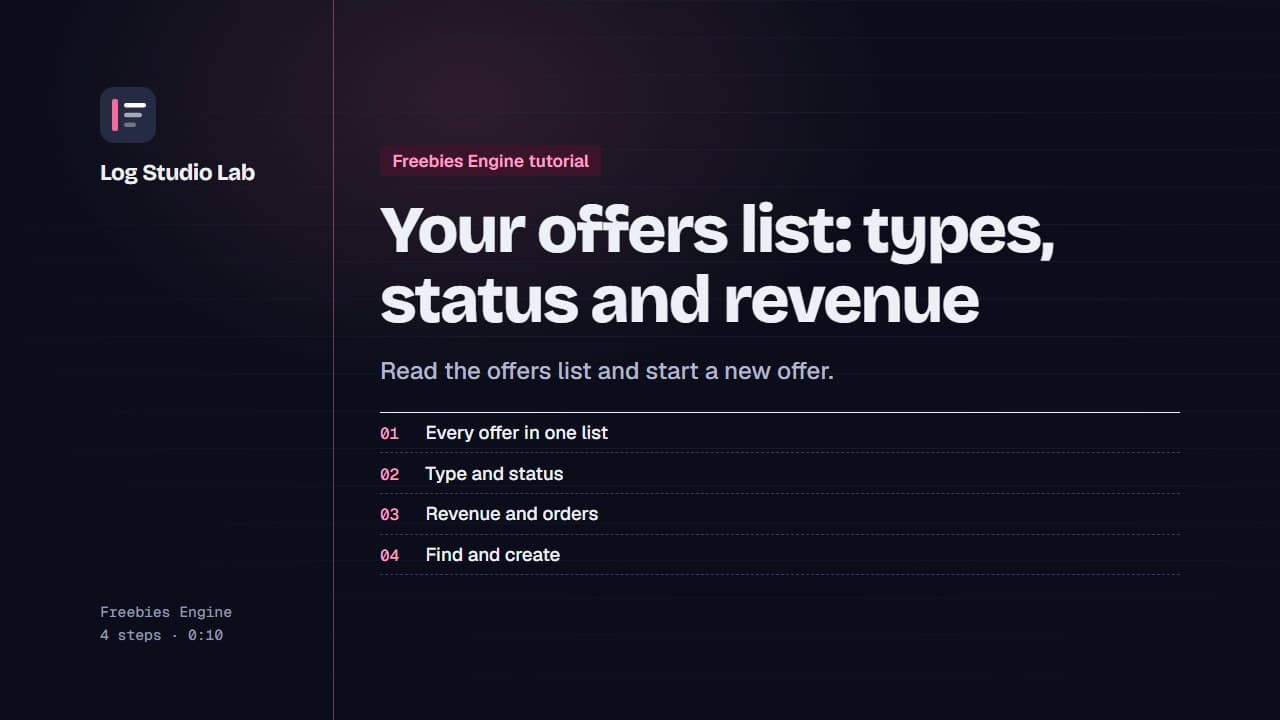
Your offers list: types, status and revenue
Open Offers to see every offer with its type, status and revenue, pause or resume with the switch, and find offers with tabs and filters.
0:48
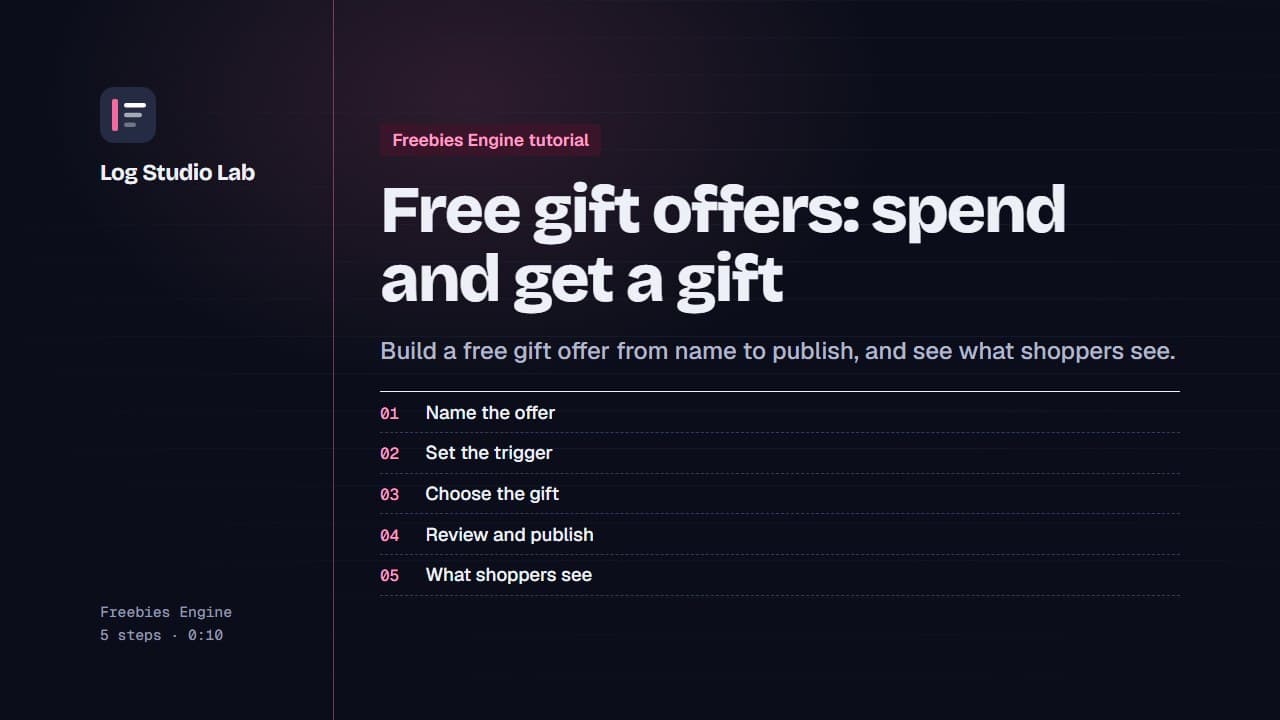
Free gift offers: spend and get a gift
Create a free gift offer: name it, set the cart value trigger, choose the gift, review and publish, then see the gift picker on the storefront.
1:11