Experiment Engine · 0:52
Template tests: compare page layouts
Set up a page template test: choose which pages are tested, then compare alternate templates from your live theme.

Chapters
Read the guide
Transcript
0:03 Start a template test
A template test shows some shoppers another template from your live theme. It is a way to compare two layouts without building a second page. Name the test and write what you expect.
0:16 Choose the pages
Choose which pages to test: all product pages, all store pages, the home page, or one page. For one page, enter its path, such as a product page. Only shoppers who open the pages you chose are split between templates.
0:33 Same address
Shoppers stay on the same address, and the page just shows another template. Launch checks that the template exists in your live theme, and that the app embed and tracking are on. Search engines keep indexing your original page.
More video tutorials
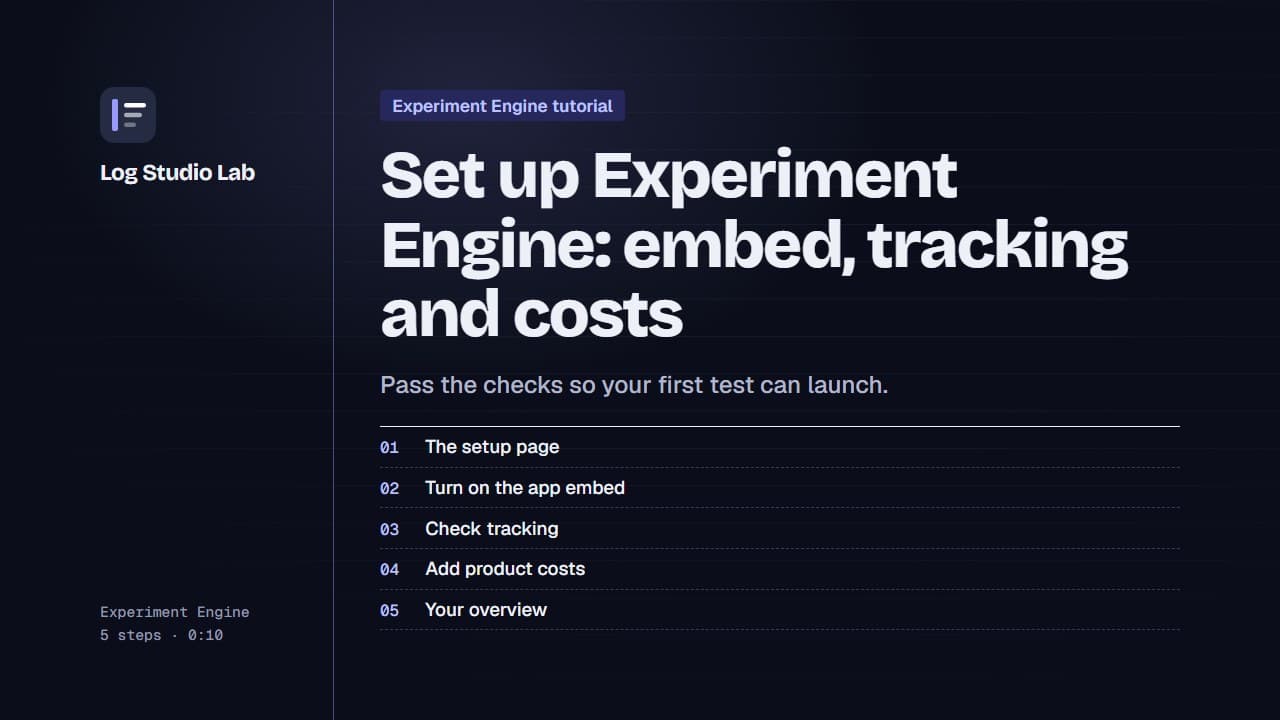
Set up Experiment Engine: embed, tracking and costs
Walk through the Experiment Engine setup page: turn on the app embed, check tracking, add product costs and find your overview.
0:58
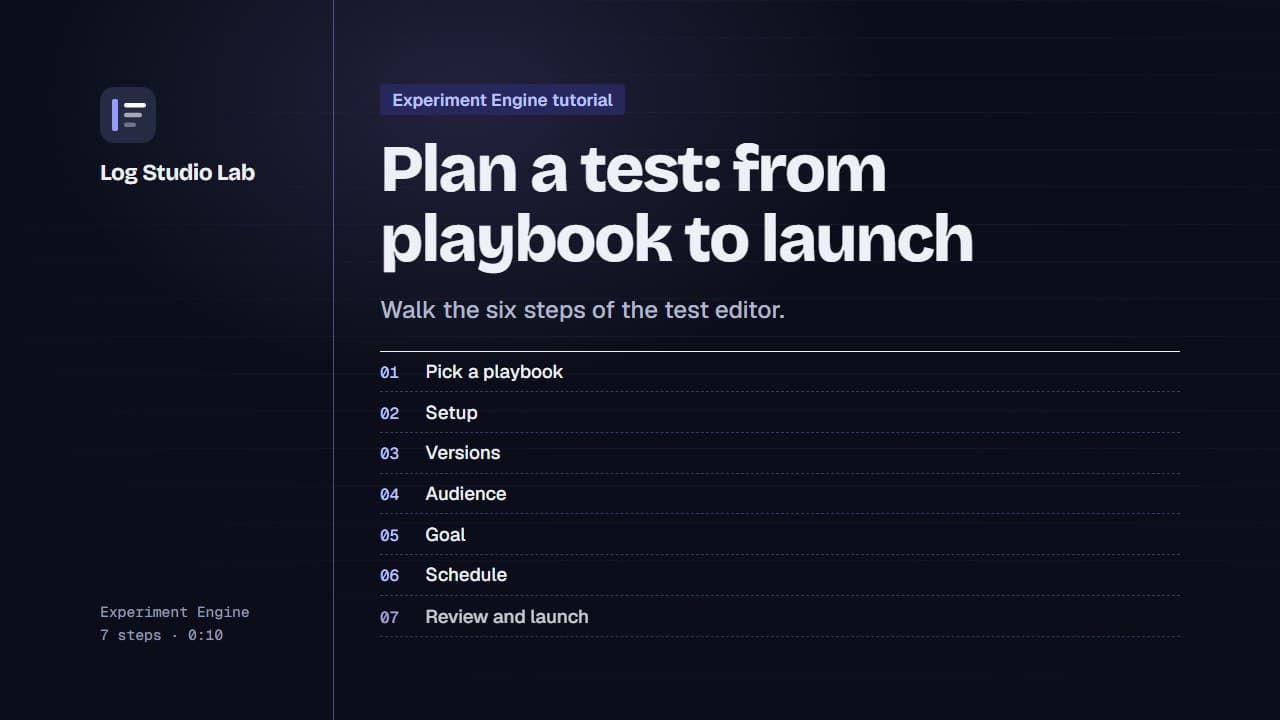
Plan a test: from playbook to launch
Pick a playbook, then walk the six steps of the test editor: setup, versions, audience, goal, schedule and review.
1:10
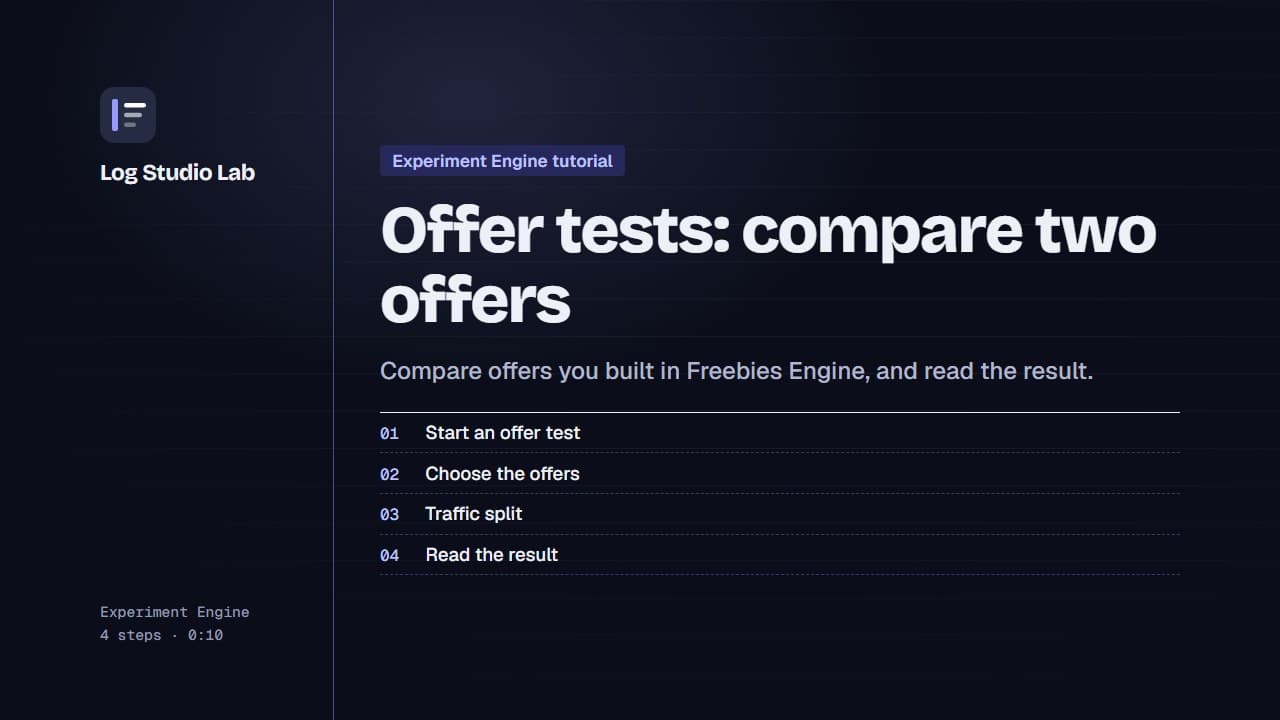
Offer tests: compare two offers
Set up an offer test to compare offers from Freebies Engine, or one offer against none, then read the result. Results shown with demo store data.
0:55