Experiment Engine · 0:48
Test a mini app with Experiment Engine
Publish a mini app, then start a test from its editor with Test with Experiments, and set up the versions, here for the Urgency Bar.

Chapters
Transcript
0:03 Start from the editor
Open a mini app, here the Urgency Bar, in its editor. A test compares your changes with what is live, so publish the app first.
0:13 Publish
Select Publish and confirm in the dialog. Once it is live, the editor shows Live, and you can start a test.
0:21 Set up the test
Test with Experiments opens a new test named after the mini app. Choose which mini app to test, and what to test: on or off, some of its settings, or its discount.
0:33 Versions
The Original keeps what is live today, and Message B changes the message.
0:39 Traffic split
Traffic is split fifty fifty by default, and you can change it.
More video tutorials
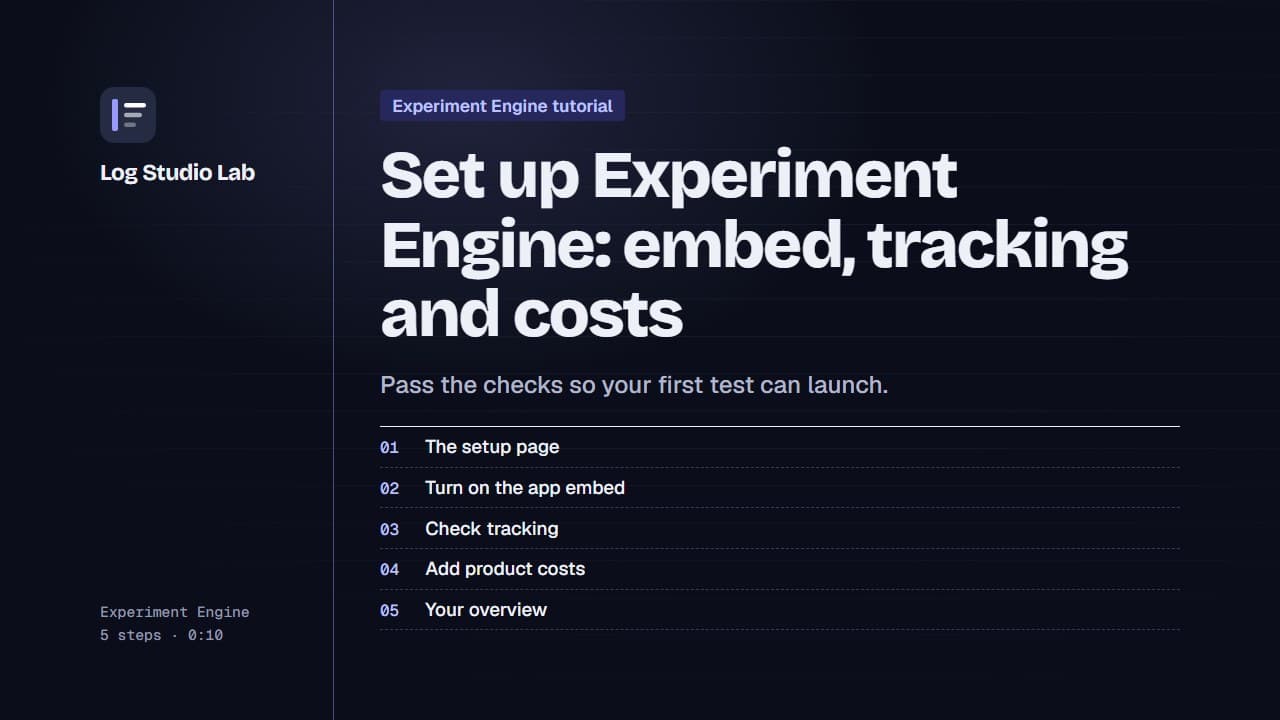
Set up Experiment Engine: embed, tracking and costs
Walk through the Experiment Engine setup page: turn on the app embed, check tracking, add product costs and find your overview.
0:58
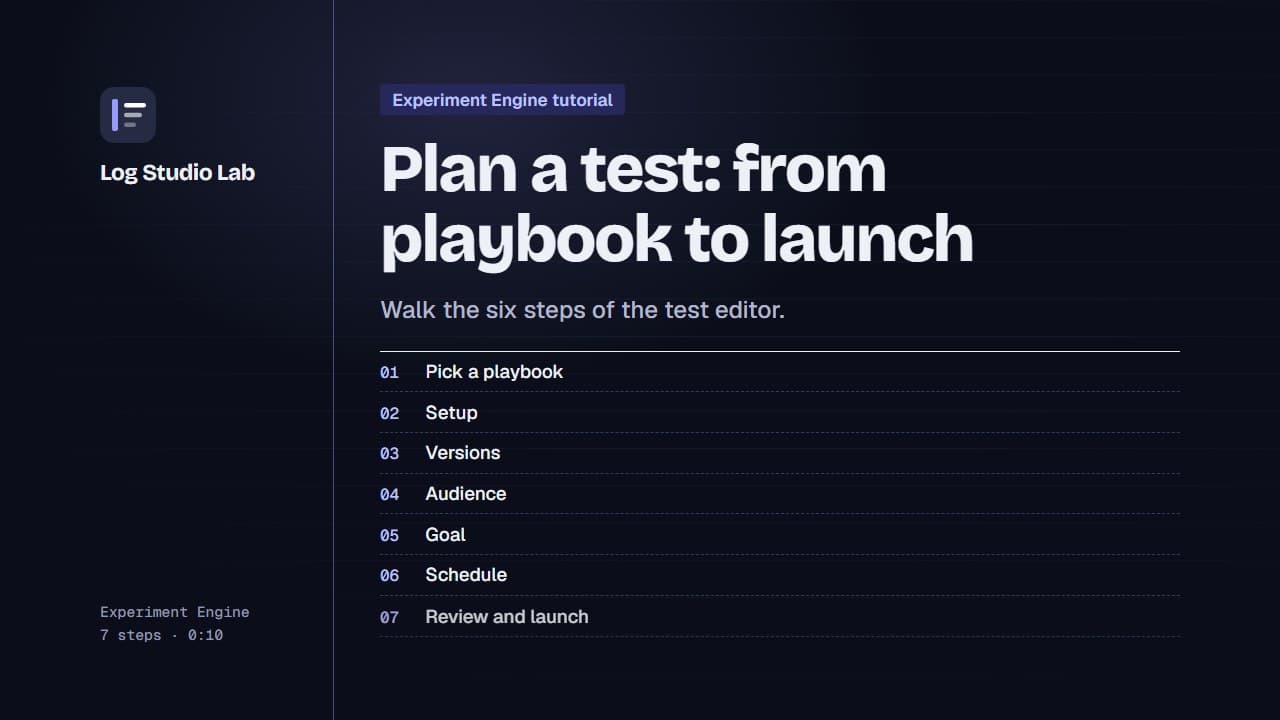
Plan a test: from playbook to launch
Pick a playbook, then walk the six steps of the test editor: setup, versions, audience, goal, schedule and review.
1:10
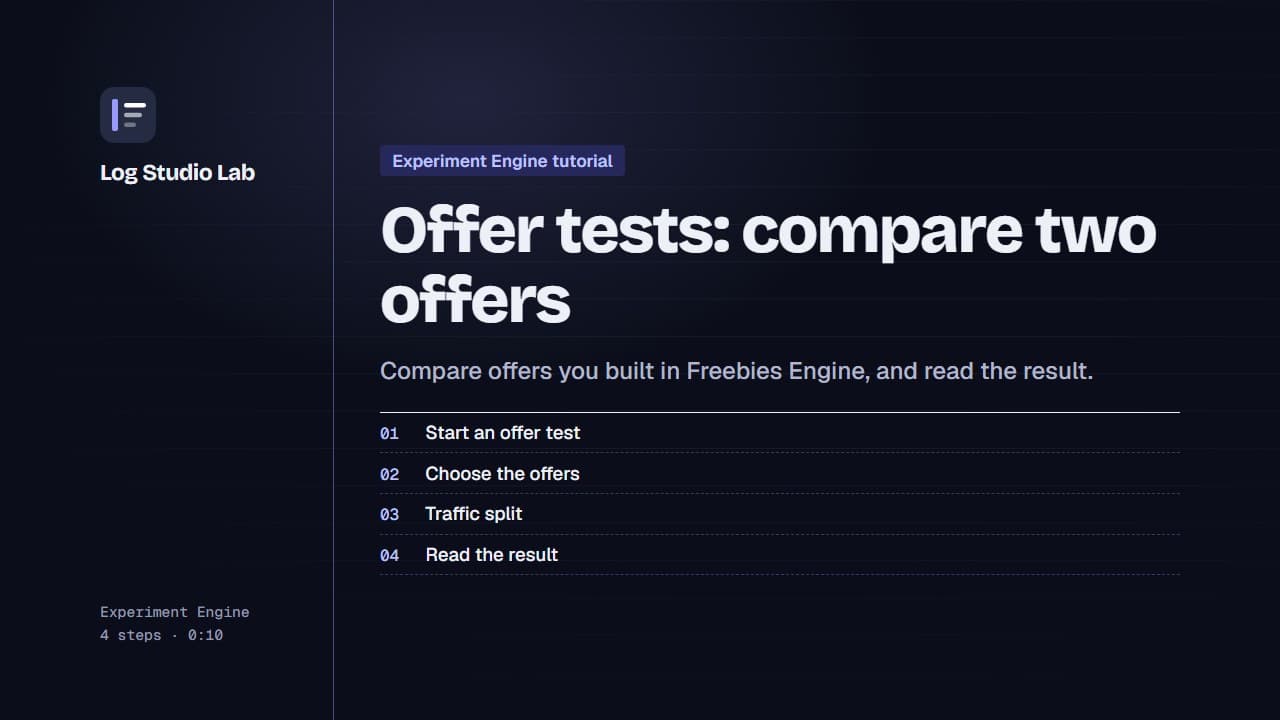
Offer tests: compare two offers
Set up an offer test to compare offers from Freebies Engine, or one offer against none, then read the result. Results shown with demo store data.
0:55