The best Shopify themes for Quantity Breaks
In a Log Studio theme, Quantity Breaks goes in the product app zone, right after the buy buttons. The theme names that place, so the app loads on the fast path instead of guessing where to go.
Price set in the Theme Store.
Our pick: Depot
B2B and wholesaleDepot is for buying in volume. Quantity Breaks takes over its native volume table in retail and shows nothing in a company session, so the two never stack.
In Depot: Takes over the native volume table in retail and shows nothing in a company session, so the two never stack.
Request early access to Depot
Every theme with a place for Quantity Breaks
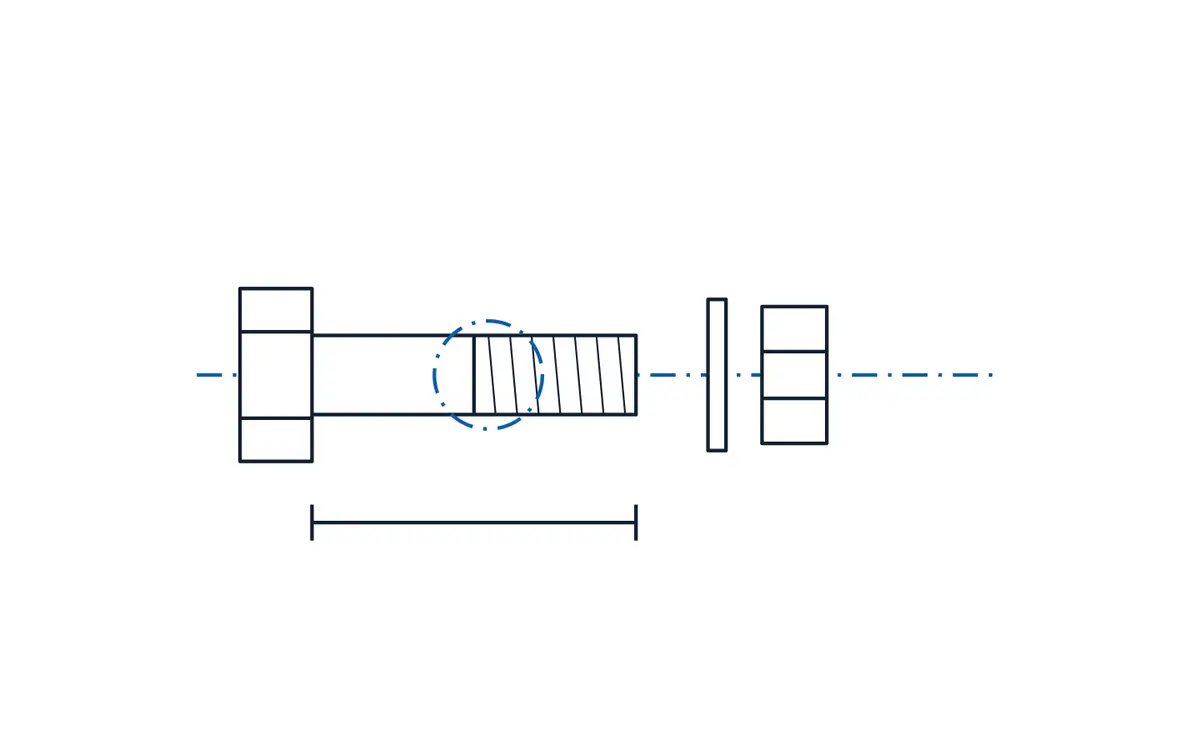
Depot
B2B and wholesaleA table-first storefront for wholesale and parts catalogs.
Quantity Breaks in Depot: Takes over the native volume table in retail and shows nothing in a company session, so the two never stack.
- Depot
- Forge
- Aisle
- Collection as a table first, with list and grid views, filters and compare for up to four products
- Part number search with an exact-match card, ignoring case, dashes and spaces
- One table for products with many variants, added in a single request
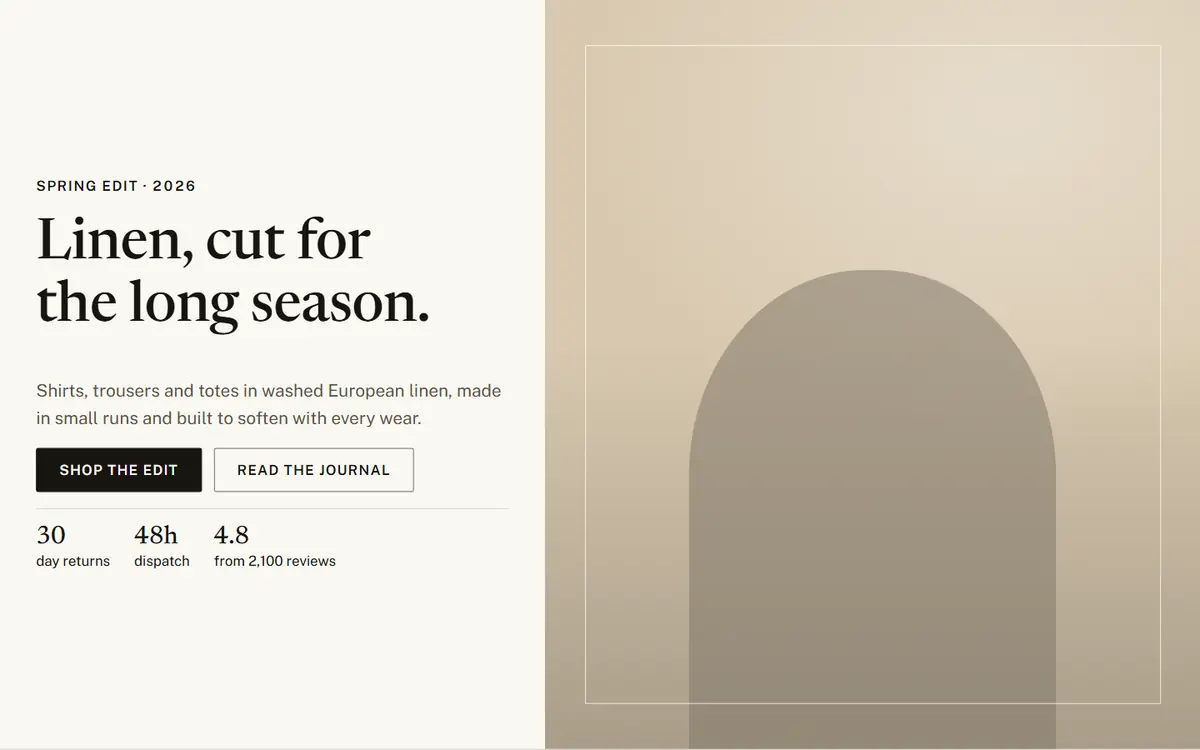
Ledger
Retail and catalogsAn editorial storefront on a ruled, typographic grid.
Quantity Breaks in Ledger: Sits in the product app zone, right after the buy buttons.
- Ledger
- Loft
- Stride
- Split hero with the text on a solid panel, never over the photo
- Numbered, ruled sections and tabular figures
- Quick add always visible, with a dialog for multi-variant products

Pulse
Beauty and DTCA modern DTC storefront of rounded tiles and a pinned hero.
Quantity Breaks in Pulse: Sits in the product app zone, right after the buy buttons.
- Pulse
- Volt
- Surge
- Pinned hero stage with scroll-driven layers and no JavaScript by default
- Floating island header and full-screen menu
- Product page with sticky media and data blocks: ingredients, steps, specs, comparison, hotspots
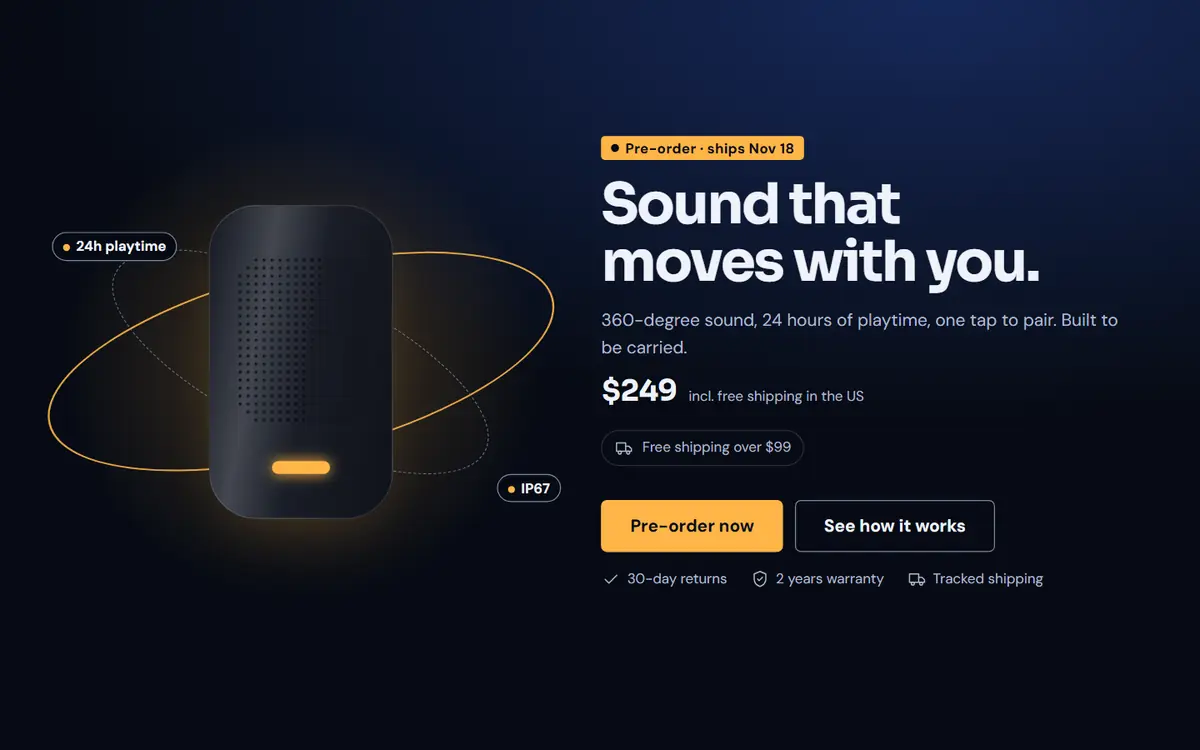
Orbit
One-product launchesOne product, one long story, a buy bar that follows you.
Quantity Breaks in Orbit: Sits in the product app zone, right after the buy buttons.
- Orbit
- Fizz
- Halo
- Launch landing home with a buy section built in
- Buy bar fixed from the first scroll
- Pre-order and waitlist states read from product data
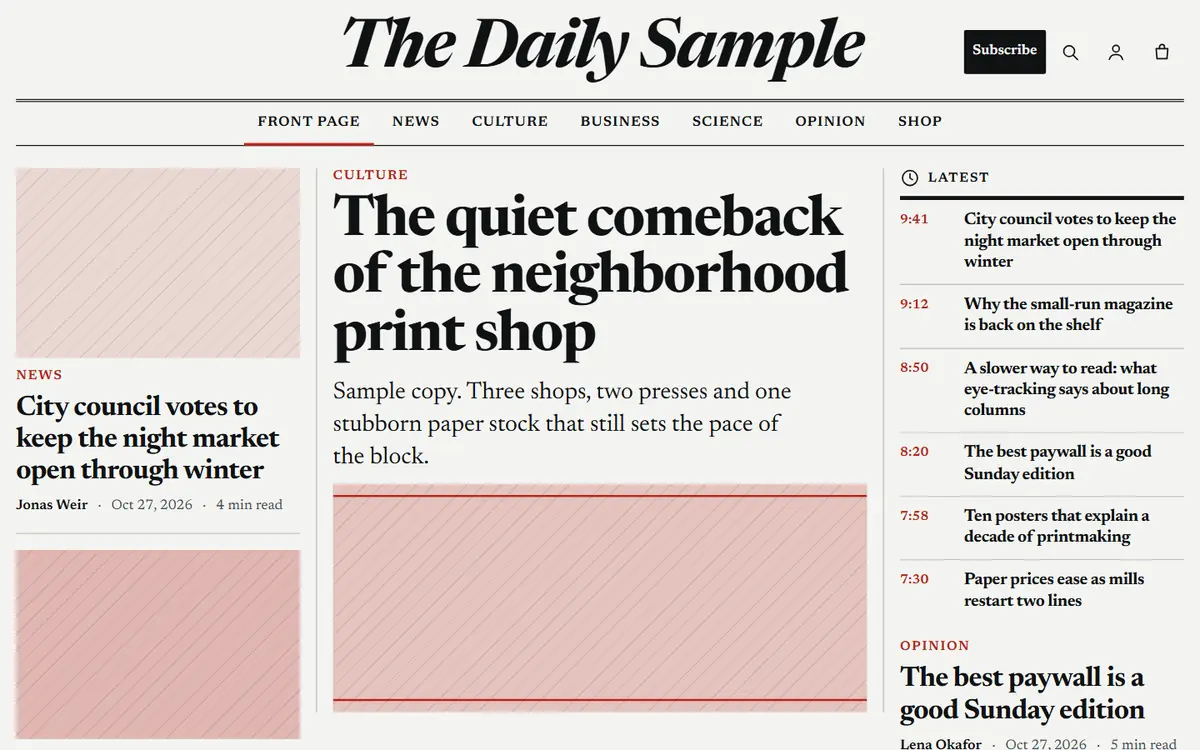
Gazette
Media and newslettersA newspaper front page for publishers who also sell.
Quantity Breaks in Gazette: Sits in the product app zone, right after the buy buttons.
- Gazette
- Folio
- Dispatch
- Front page section: lead story, secondary column and latest feed from a Shopify blog
- Article template with a 66-character column, a generated table of contents and reading time
- Shop the story: products inline, always labelled From the shop

Lustre
Jewellery and luxuryQuiet luxury: images first, prices that do not shout.
Quantity Breaks in Lustre: Shown as a flat table.
- Lustre
- Mica
- Sable
- One gallery block with stack, thumbnails or carousel layouts, a full-screen zoom dialog and a 360-degree view
- Engraving with a counter, gift wrap and message, ring sizer and size guide
- Shade finder in two questions, with no photo or camera

Pantry
Food and drinkA menu, a delivery day and a box you build yourself.
Quantity Breaks in Pantry: Used on the product page and in the box.
- Pantry
- Roast
- Orchard
- Collection as a menu: name, dotted leader, price and description, with dietary tags and Contains: always visible
- Delivery and pickup by postcode with a cut-off in the store's time zone
- Box builder and shop the recipe, added through the standard cart


Questions about Quantity Breaks and our themes
- Which Shopify theme is best for Quantity Breaks?
- Depot. Depot is for buying in volume. Quantity Breaks takes over its native volume table in retail and shows nothing in a company session, so the two never stack.
- Where does Quantity Breaks go in a Log Studio theme?
- It goes in the product app zone, right after the buy buttons. The theme names that place (Contract v1), so the widget finds it instead of guessing and never lands on top of something else.
- Does Quantity Breaks work on other themes?
- Yes. Quantity Breaks works on other Shopify themes too, where it finds its place by detection. A Log Studio theme names the place, so there is nothing to guess.
- Do I need a Log Studio theme to use Quantity Breaks?
- No. The app works without our themes, and every theme is complete without the app. Price set in the Theme Store.
Put Quantity Breaks in a theme built for it
Ask for early access and we will email you when Depot reaches the Theme Store.